
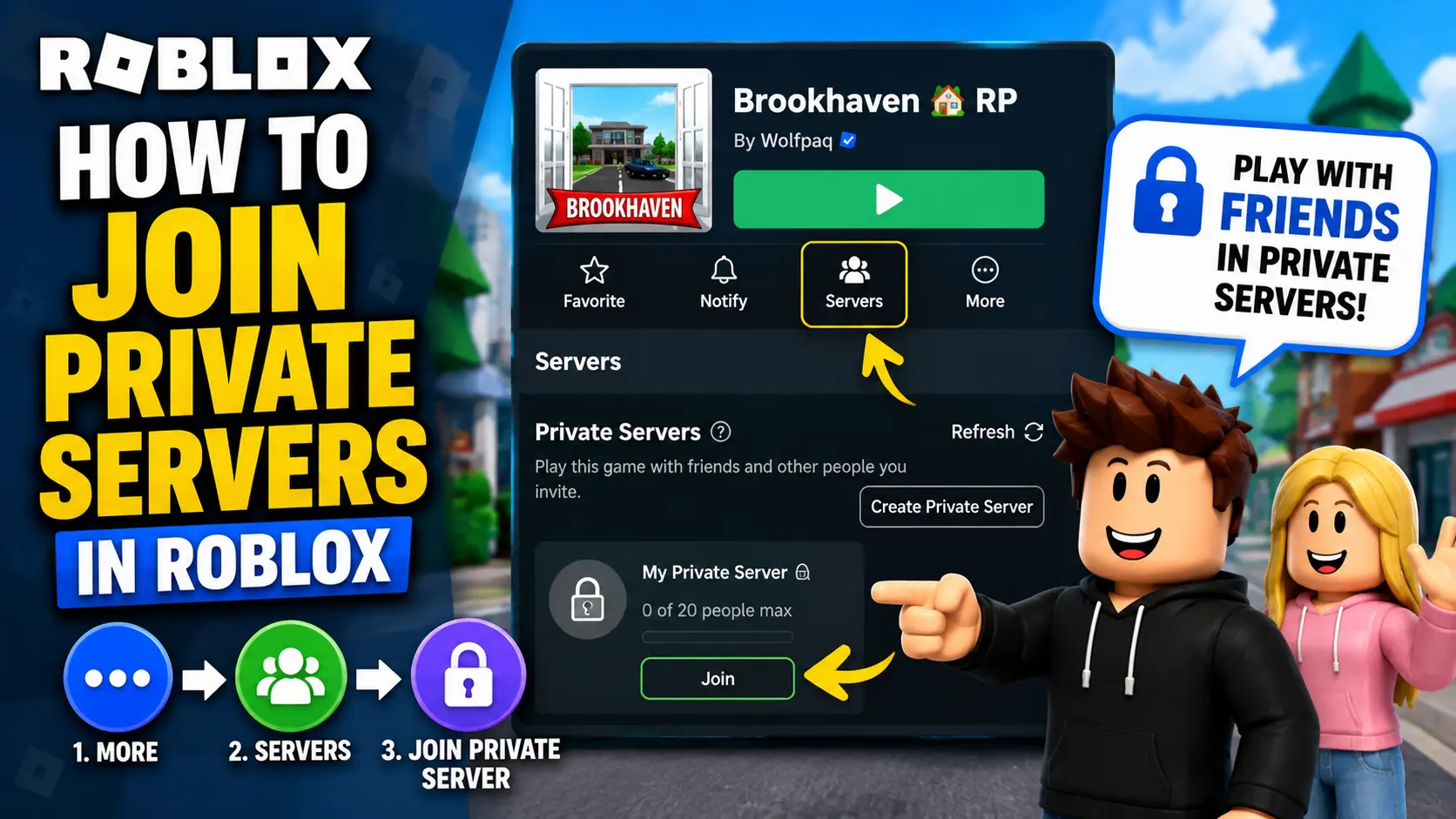
Private Servers are your gateway to enjoying your favorite Roblox games without the chaos of crowded public lobbies. They are useful for practicing with friends, hosting small events, recording content, or simply having a more controlled gameplay experience.
However, rewards and progress in Private Servers depend on the specific Roblox game. Some experiences allow normal rewards in Private Servers, while others may limit rewards, farming, event progress, or leaderboard gains to prevent unfair advantages.
In this guide, I’ll show you how to join a Private Server using invite links, how to join through friends, common issues you might face, and how to create your own Private Server in Roblox.
What is a Private Server in Roblox?
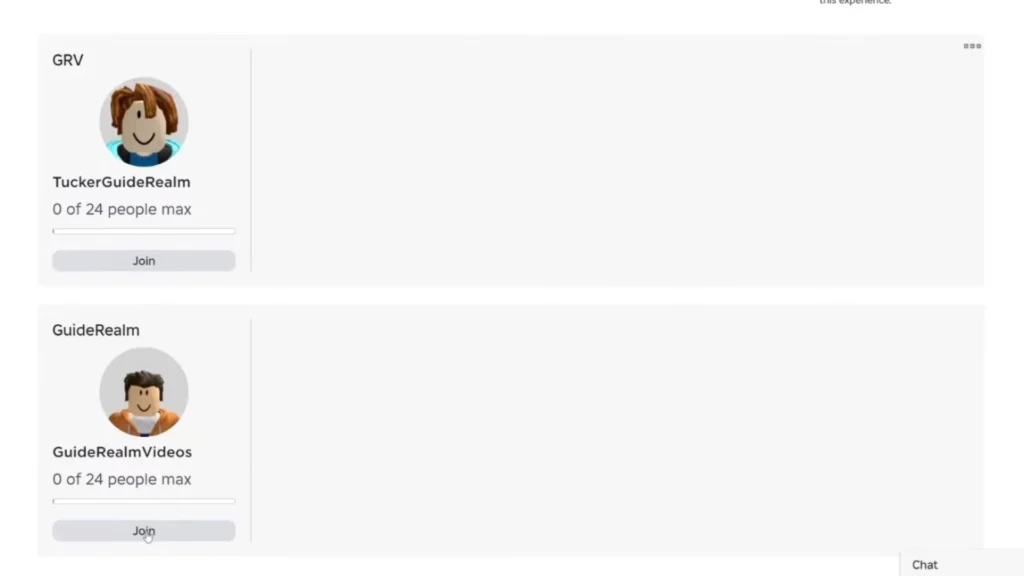
Private Servers in Roblox are private versions of Roblox experiences where the owner can control who joins. Instead of playing in a public lobby with random players, you can invite friends, teammates, or specific users to play with you.
Private Servers were earlier commonly called VIP Servers, and many players still use both names. The cost depends on the price set by the experience creator. Some Private Servers are free, while others require a monthly Robux fee.
These servers are especially helpful if you have a large friend group, want to host events, record content, practice gameplay, or complete challenges without public lobby interruptions.
If you are a Roblox Plus subscriber, you may also get access to free and unlimited Private Servers across supported games. However, availability can still depend on whether the experience supports Private Servers.
How to Join a Private Server in Roblox
1. Using a Private Server Link
To join a Private Server through a link, someone needs to share the invite link with you. If you receive a valid link, follow these steps:
- Log in to your Roblox account.
- Click the Private Server invite link.
- Wait for the Roblox experience page or app to open.
- Click the play button if needed.
- Roblox should launch and place you inside the Private Server.
If the invite link fails, the server owner may have disabled links, removed your access, cancelled the server, or changed the server settings. You can also check our guide on fixing Roblox private server link not working issues before asking the owner for a new invite link.
2. Join Through Friends
The easiest way to join a Roblox Private Server is through a friend who owns one or has permission to access one.
Follow these steps:
- Make sure your friend owns or has access to a Private Server.
- Ask them to invite you or allow friends to join.
- Open Roblox and go to your friend’s profile.
- If their Join Settings allow it, click Join or Join Game.
- Roblox will launch the experience and place you in the server if you have permission.
If the Join button does not appear, your friend’s privacy settings, server settings, or your own account settings may be blocking access.
How to Create Your Own Private Server

You do not need to create your own Roblox game just to create a Private Server. If a Roblox experience already supports Private Servers, you can create one from the game’s page.
Here’s how:
- Open the Roblox experience where you want to create a Private Server.
- Scroll to the Servers section.
- Look for the Private Servers section.
- Click Create Private Server.
- Give your server a name.
- Review the price and subscription details.
- Click Buy Now or confirm the purchase.
- After creating it, open the server settings to configure access.
Once the Private Server is created, you can choose who can join, add specific users, allow friends, or generate a server link.
If the experience does not show a Private Servers section, it means the creator has not enabled Private Servers for that game.
How to Enable Private Servers for Your Own Roblox Game
If you are a Roblox creator and want players to create Private Servers for your own game, you can enable the feature from Roblox Studio.
Here’s how:
- Open Roblox Studio.
- Open your Roblox experience.
- Go to File.
- Select Game Settings or Experience Settings.
- Open the Monetization section.
- Enable Private Servers.
- Choose whether the servers should be free or paid.
- If paid, enter the monthly Robux price.
- Save your changes.
This can be a legitimate way to earn Robux as a creator, but only if your game is active and players find value in creating Private Servers for it. Private Server monetization works best when your experience has strong gameplay, regular players, and a real reason for users to play privately.
If you want full control over your own world, gameplay rules, monetization, and server access, you can also create your own Roblox game and invite friends to play.
Are Roblox Private Servers Free?
Some Roblox Private Servers are free, but not all of them.
The experience creator decides whether Private Servers are free or paid. If the server is paid, the owner usually pays a monthly Robux subscription to keep it active. If the owner does not have enough Robux on the renewal date, the server may expire.
Roblox Plus subscribers may get free and unlimited Private Servers across supported games, but this depends on the game and Roblox’s current subscription rules.
So, before creating or joining a Private Server, always check the price shown on the experience page.
If a Private Server requires Robux, make sure you only get Robux safely through official or trusted methods. Avoid third-party websites, fake generators, or users promising free Robux in exchange for your account details.
Why You Can’t Join a Private Server
There are several reasons why you may not be able to join a Private Server in Roblox.
- Invalid or Expired Link: If the invite link is invalid, expired, or disabled, Roblox will not let you join the server. Ask the server owner to send a new link or add you manually.
- Server Full: Private Servers can have player limits depending on the experience settings. If the server is already full, you will need to wait until someone leaves.
- Permission Restrictions: The server owner can decide who is allowed to join. If you are not added to the allowed members list, or if friends are not allowed, you may not be able to enter. Ask the owner to add your username or enable friend access.
- Privacy Settings: Your Roblox privacy settings may prevent you from joining certain Private Servers. Go to your account settings and check your Visibility & Private Servers settings.
- Under-13 Account Restrictions: Roblox accounts under 13 may have stricter Private Server rules. By default, younger users may only be able to join Private Servers created by their friends, depending on privacy and parental control settings.
- Error Code 524: Error Code 524 usually means you do not have permission to join the game or server. It can happen because of privacy settings, server permission restrictions, group-only access, or temporary server issues.
- Server or App Issues: Sometimes the Roblox app, browser, or server may have temporary issues. Restart Roblox, check your internet connection, update the app, or try again later.
Benefits of Using Private Servers
Private Servers can make Roblox more enjoyable, especially if you want a quieter and more controlled experience.
- Play Without Strangers: The biggest benefit of Private Servers is that you can play with friends without random players interrupting your session. This is useful for roleplay, grinding, practice, events, or casual gameplay.
- Better for Recording Content: If you create YouTube videos, TikToks, or livestreams, Private Servers make it easier to record clean gameplay without random players blocking shots or interrupting scenes.
- Useful for Practice: Private Servers are great for practicing mechanics, testing strategies, learning maps, or completing challenges with your own group.
- More Control: Server owners can choose who joins. This makes it easier to create a safer, calmer, and more organized environment.
- Monetization for Creators: If you own a Roblox experience, Private Servers can become one monetization option. You can make them free or charge a monthly Robux fee if your game gives players a good reason to use them.
Things to Keep in Mind Before Using Private Servers
Some Private Servers are useful for grinding, testing, or playing with friends, but rewards still depend on the game’s rules. In supported experiences, you can also redeem Roblox codes for extra rewards like boosts, coins, spins, pets, or cosmetics.
Before you buy or join a Private Server, keep these points in mind:
- Private Servers may be free or paid depending on the game.
- Paid Private Servers usually renew monthly.
- Rewards and progress may depend on the game’s rules.
- The server owner controls who can join.
- Privacy settings can block access.
- If the subscription expires, the server may stop working.
- Roblox Plus benefits may affect Private Server access in supported games.
Do I need Robux to join Private Servers in Roblox?
It depends on the game and server. Some Private Servers are free, while others require a monthly Robux fee. If someone invites you to a server they own, you may be able to join without paying.
Can I create a Roblox Private Server for free?
Yes, some experiences allow free Private Servers. If the creator has set the Private Server price to free, you can create one without paying Robux. Roblox Plus users may also get free Private Servers in supported games.
Can I earn Robux from Private Servers?
Yes, creators can earn Robux by enabling paid Private Servers for their own Roblox experiences. However, earnings depend on how many players are interested in buying Private Servers for your game.
Can I join a Private Server without a link?
Yes, you can join without a link if the server owner has added you, allowed friends to join, or if you can access the server from the experience’s Servers tab.
Why does Roblox say I don’t have permission to join?
This usually happens because you were not invited, your privacy settings are too restrictive, the server owner has not added you, or the server is restricted to specific users.
Do Private Servers give rewards in Roblox?
It depends on the Roblox experience. Some games allow normal rewards and progress in Private Servers, while others limit rewards, event progress, or farming to prevent abuse.
Can under-13 users join Roblox Private Servers?
Under-13 users may have stricter privacy and parental control rules. In many cases, they can only join Private Servers created by friends, depending on account settings.
Are Private Servers the same as VIP Servers?
Yes, many players still call them VIP Servers, but Roblox now commonly refers to them as Private Servers.
