
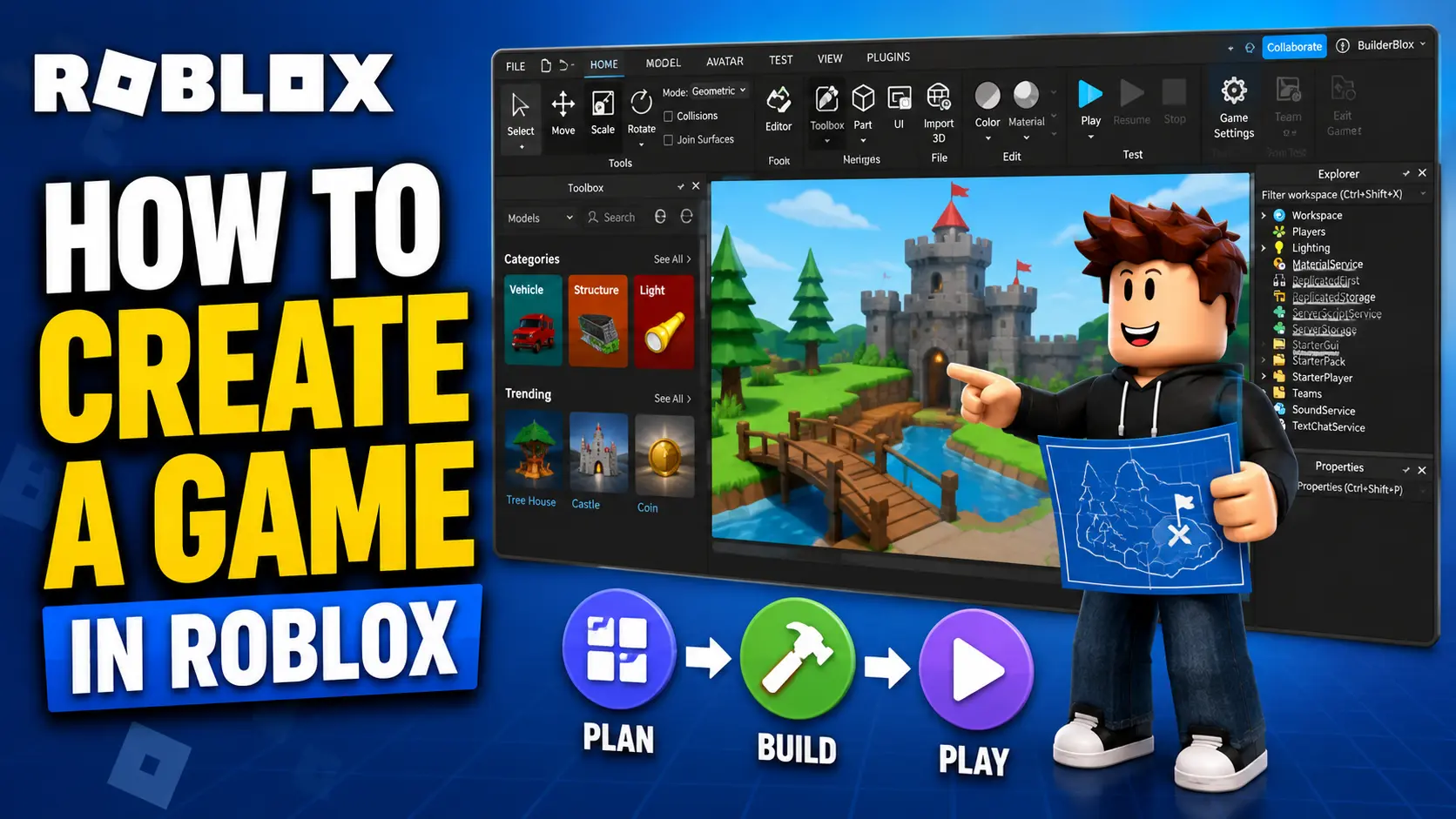
Time and time again, Roblox’s success has been defined by the popularity of user-generated games like Steal a Brainrot, Brookhaven RP, Dress to Impress, and many more. With how successful these games are, many creators now treat Roblox development as more than just a hobby.
Naturally, there’s a surge of Roblox players who want to create their own experiences, and that’s exactly what I’m here to help with. The best part is that you don’t need to be an expert programmer to start. Roblox Studio gives you templates, building tools, assets, and scripting options to help you create your first game step by step.
With that said, here’s how to create your own Roblox game.
What You Need to Start Creating a Roblox Game
Before you start creating your dream Roblox game, you need three simple things: a Roblox account, Roblox Studio, and an idea for the game.
I’d also suggest playing some popular Roblox games like Steal a Brainrot, Dress to Impress, Brookhaven RP, and more to understand what players enjoy. Look at how these games handle progression, rewards, UI, maps, updates, and player engagement. Don’t copy them, but learn what makes them fun.
Thankfully, both Roblox and Roblox Studio are free, so you don’t have to spend money just to create your first game. Download Roblox Studio, explore the templates, and start experimenting with what kind of experience you want to build.
Games related to brainrot trends, anime, roleplay, simulators, tycoons, obbies, horror, and collection-based mechanics are popular on Roblox, so you can take inspiration from those categories and create your own twist.
How to Download and Install Roblox Studio
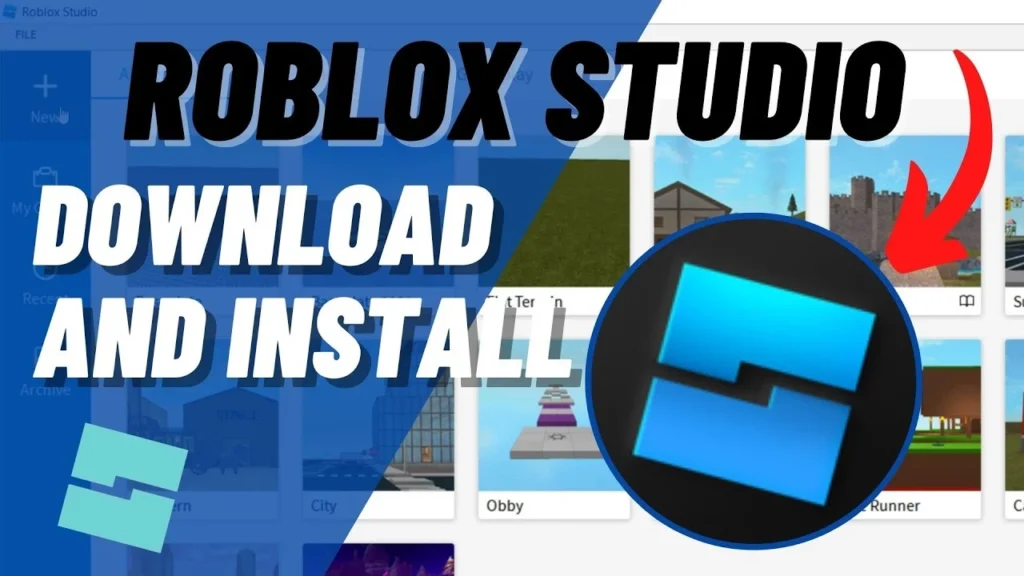
If you already have a Roblox account, you’re halfway there. All you have to do is follow the steps below:
- Go to the Roblox Creator Hub.
- Click on Start Creating or Download Studio.
- Download the Roblox Studio installer.
- Open the installer from your browser’s download history.
- Wait for Roblox Studio to install.
- Launch Roblox Studio.
- Log in with your Roblox account.
- Choose a template and start creating.
Roblox Studio works on both Windows and macOS. However, before installing it, check the basic system requirements below.
| Requirement | Minimum | Recommended |
|---|---|---|
| OS Version | – Windows 10 – macOS 10.14 | – Windows 11 – macOS 14+ |
| Memory (RAM) | 3 GB | 8 GB |
| Resolution | 1600×900 or higher | 1600×900 or higher |
If your device meets these requirements, Roblox Studio should run well enough for beginner projects.
Understanding Roblox Studio Interface
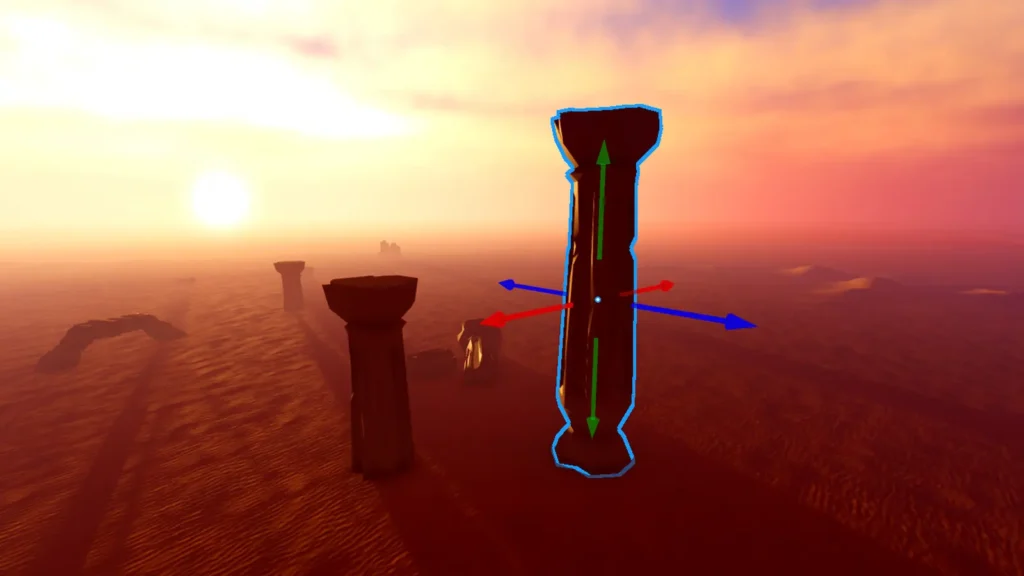
When you first open Roblox Studio, you’ll see a lot of options, panels, and menus. Don’t be overwhelmed. You don’t need to master everything on day one. Let me take you through the key tools that will be most useful in your Roblox game development journey.
- Explorer Window: The Explorer window is where you can keep track of all objects, parts, scripts, and services inside your game. Think of it as the main folder structure of your project. You can use it to organize your game and quickly find important objects.
- Properties Window: The Properties window lets you adjust how a selected object looks and behaves. For example, you can change its color, size, position, transparency, material, and many other settings.
- Toolbox: The Toolbox gives you access to models, images, meshes, audio, plugins, videos, and fonts made by Roblox or community creators. This is useful for beginners because you can use ready-made assets while learning how Roblox Studio works.
- 3D Viewport: The 3D Viewport, also known as the Workspace, is where you build your game world. You can move the camera, place objects, adjust parts, test your map, and see how your game looks while you are creating it.
These four tools are enough to help you start building your first basic Roblox game. If Roblox Studio fails to open, crashes, or gets stuck loading, you can also check our guide on how to fix Roblox Studio not working.
How to Create Your First Roblox Game
Making a Roblox game is definitely harder than playing one, especially if it’s your first ever project. To avoid getting confused by the many options in Roblox Studio, start small and follow these steps.
- Choose a simple game idea: Start with something easy, like an obby, simulator, tycoon, survival map, or roleplay area. Don’t try to create a massive open-world game in your first attempt.
- Pick a template: Instead of starting from a blank baseplate, choose a premade template from Roblox Studio. Templates give you a basic structure, so you can focus on learning how to build and customize.
- Build your map: Use parts, models, terrain, and assets from the Toolbox to create your game world. Keep the layout simple and easy to understand.
- Organize your objects: Use the Explorer window to keep your game clean. Rename important objects so you can easily find them later.
- Customize object properties: Use the Properties window to change colors, materials, sizes, transparency, and other details.
- Add basic scripts: Once your world is ready, use Luau scripts to make your game interactive. You can start with simple features like color-changing blocks, checkpoints, rewards, or buttons.
- Test your game: Click Play inside Roblox Studio to test the game. Check whether objects, scripts, movement, and gameplay work properly.
- Fix issues before publishing: If something feels confusing, broken, or boring, improve it before making the game public.
- Publish your game: Once you’re happy with the basic version, publish it to Roblox and continue improving it with updates.
How to Add Scripts to Your Game
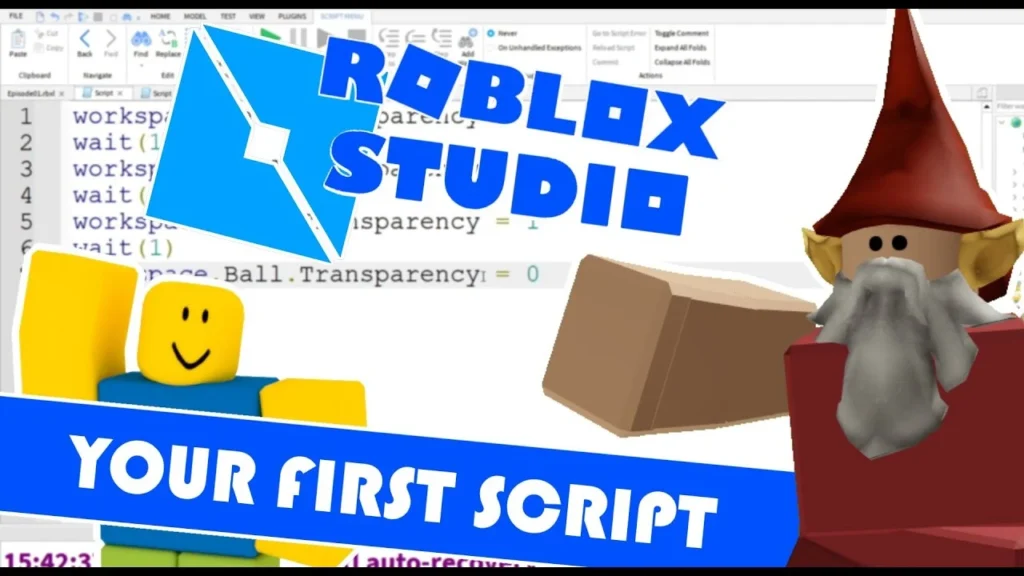
The scripting part comes after you’ve built your Roblox world. Scripts are what make your game interactive and lively. Roblox uses Luau, which is Roblox’s scripting language based on Lua. You don’t need to become a coding expert immediately, but learning basic Luau will help you create buttons, rewards, game passes, NPCs, leaderboards, checkpoints, and other gameplay systems.
For example, suppose you want to change an object’s color when a player touches it. Right-click the object in the Explorer window, then select:
Insert Object > Script
Now add this script:
local part = script.Parent
part.Touched:Connect(function()
part.BrickColor = BrickColor.Random()
end)
Place this script inside a Part, click Play, and touch the object. The part should change color when touched.
This is a very simple example, but it helps you understand how scripting works inside Roblox Studio. Once you are comfortable, you can move on to checkpoints, coins, doors, shops, enemies, and other interactive systems.
For beginners, I recommend learning from Roblox’s own documentation first, then watching beginner-friendly creators like TheDevKing or CovertCode for practical examples.
How to Publish Your Roblox Game
Once your game is ready for release, follow the steps below to publish it on Roblox:
- Click on File in Roblox Studio.
- Select Publish to Roblox.
- Add a name for your game.
- Write a short and clear description.
- Add a thumbnail or icon that matches your game’s theme.
- Configure basic settings like genre, devices, and permissions.
- Set your experience visibility to Public when you are ready.
- Click Create or Publish.
After publishing, your game will be available on Roblox based on the visibility settings you choose. If you are still testing, keep it private until you are ready for players. Once your experience is live, you can also use private servers to play with selected friends or manage smaller sessions.
How to Monetize Your Roblox Game
There are several ways to monetize your Roblox game, but don’t go overboard with them. Your first goal should be to make the game fun. Monetization works better when players actually enjoy spending time in your experience.
- Game Passes: Game Passes let you charge a one-time Robux fee for special privileges inside your game. For example: You can offer VIP access, special tools, exclusive areas, faster progress, or unique in-game perks.
- Developer Products: Developer Products are items or abilities that players can buy multiple times. These are useful for coins, boosts, potions, revives, extra spins, ammo, XP, or temporary upgrades.
- Private Servers: You can allow players to buy private servers so they can play with friends in their own separate server.
- Paid Access or Subscriptions: Some creators can use paid access or subscriptions depending on the type of experience and available monetization options.
- Immersive Ads: Roblox also supports advertising options, but these should be used carefully and in line with Roblox’s policies.
A good rule is to avoid making your game feel pay-to-win. Players are more likely to support your game if paid items feel useful, fair, and optional. Once your game starts attracting players, you can earn Robux through game passes, paid access, and creator rewards.
Tips to Make a Successful Roblox Game
Success rarely happens overnight, but one constant thing is that spending time and effort on your Roblox experience can improve your chances. As a beginner, here’s my advice:
- Start Small: Don’t try to make the next biggest Roblox game in your first week. Start with a simple idea and improve it slowly. A small, polished game is better than a huge unfinished one.
- Learn From Popular Titles: If you enjoy a specific Roblox game, study why it works. Look at its rewards, UI, gameplay loop, map design, updates, and community engagement. Don’t copy the game directly, but understand what makes players come back.
- Keep the Gameplay Loop Clear: Every successful Roblox game usually has a simple loop. Players join, complete tasks, earn rewards, upgrade something, and come back for more. Make sure your game gives players a reason to continue playing.
- Update Regularly: Regular updates can keep players interested. Add new areas, rewards, quests, cosmetics, events, or gameplay improvements based on what your players enjoy.
- Engage With Players: Listen to feedback from your players. If they are confused, bored, or asking for improvements, use that feedback to make the game better.
- Make It Easy to Understand: Players should understand what to do within the first few seconds. Use simple UI, clear signs, tutorials, arrows, or starter tasks to guide them.
Many Roblox games also use Roblox codes to reward players with free items, coins, boosts, spins, or pets. If you want to understand how these rewards work from a player’s side, check our guide on how to redeem codes in Roblox.
Common Mistakes to Avoid
Making a successful Roblox game will take trial and error, but there are some mistakes you should avoid from the beginning.
- Overcomplication: If your first game is too complicated, players may leave quickly. Keep it simple, fun, and easy to understand.
- Ignoring UI and UX: Your game should look clean and feel easy to play. If the buttons, menus, rewards, or instructions are confusing, players may not stay for long.
- Using Too Many Free Models: Toolbox assets are helpful, but using too many random free models can make your game look messy or even create security issues if the models include unwanted scripts. Use trusted assets and check what you add.
- Untested Gameplay: Before publishing, test everything. Check movement, buttons, scripts, rewards, game passes, respawns, and mobile controls. Publish only when the basic experience works properly.
- Copying Popular Games Too Closely: Taking inspiration is fine, but directly copying a popular game can hurt your originality. Add your own theme, mechanic, map style, or reward system.
- Focusing on Monetization Too Early: Don’t fill your first game with too many paid items. First, make the game enjoyable. Once players like it, add fair monetization options.
Is it free to create a Roblox game?
Yes, all you need is a Roblox account and Roblox Studio, both of which are free.
Do I need coding skills to make a Roblox game?
Yes, you need basic coding skills to Script with Luau and make a Roblox game.
How long does it take to make a Roblox game?
It depends on the type of Roblox game you’re making.
Can I earn Robux from my game?
Yes, you can earn Robux by creating and selling Game Passes, Developer Products and more.
What is Roblox Studio used for?
Roblox Studio is used to develop and publish Roblox games.
Can beginners create successful Roblox games?
Yes, beginners can absolutely create successful Roblox games if they invest enough time and effort and update them regularly.
