
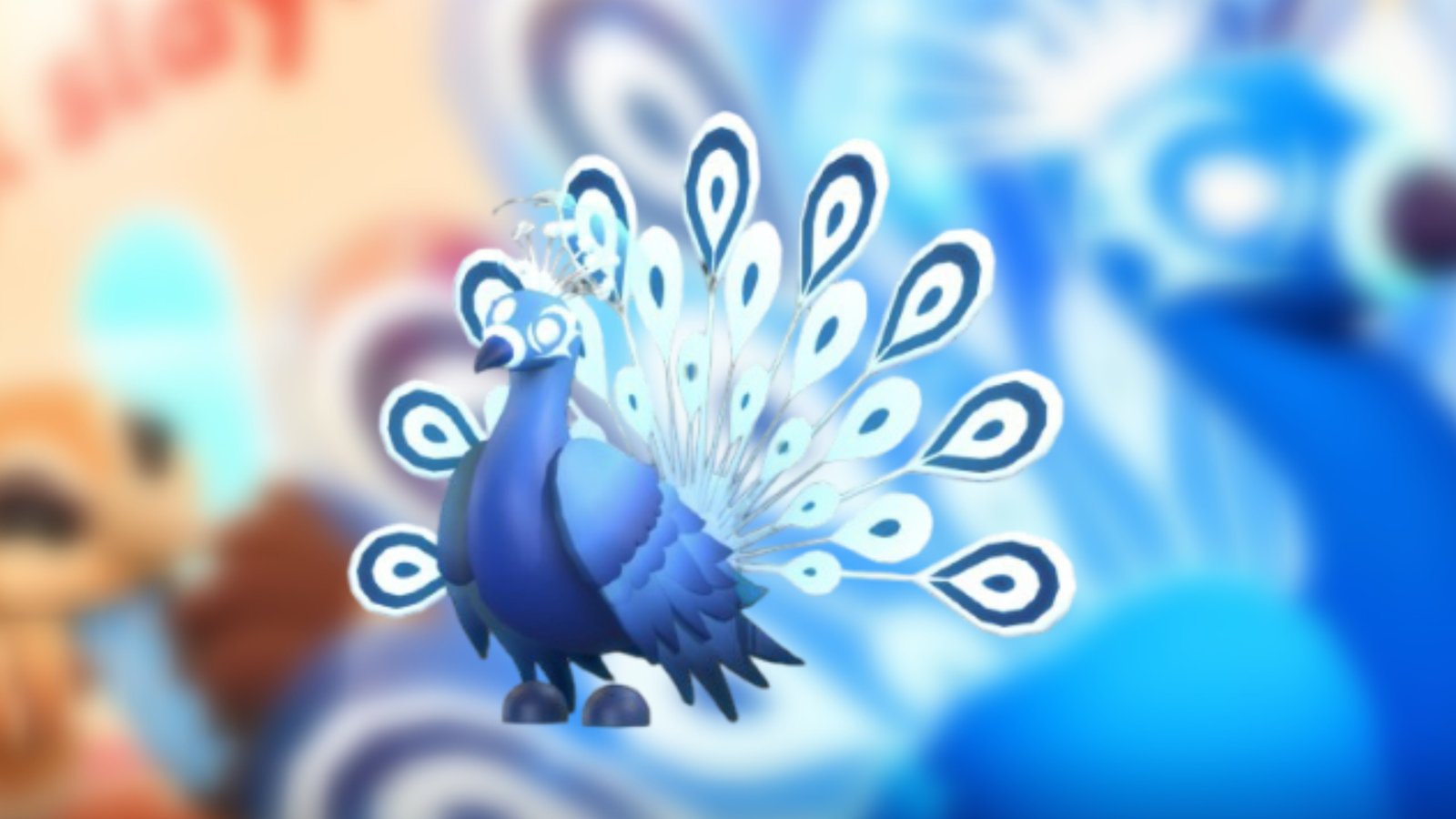
Summary
- Obtain a Golden Dandelion from the Salon for 195 in-game currency.
- Place the item to get a 2.5 percent chance of unlocking the Moonbeam Peacock.
- If unsuccessful, you receive a Peahen or Peachick instead.
As the name suggests, Adopt Me allows you to collect a wide variety of pets to accompany you during gameplay. One such newly introduced companion is the Moonbeam Peacock, which was added as part of the Salon Revamp update on May 1, 2026. This pet is extremely rare to obtain and requires you to purchase another important item introduced in the same patch.
If you are facing trouble obtaining the Moonbeam Peacock in this Roblox title, here is a detailed guide to help you out.
Read more: Roblox Grow a Garden: How To Get Jelly Bean Sprout and Basket Bouquet
Adopt Me Moonbeam Peacock Guide

To get Moonbeam Peacock as your pet in Adopt Me, you need to secure a Golden Dandelion. Here is a step-by-step guide for the whole process:
- Your first task is to arrive at the salon, a pink building near the centre of the map.
- Enter the building and head toward the back, where you will find the Peafowl Treats stand on your right, just before the wash-off area.
- Now, you need to purchase Golden Dandelion there for 195.
- Afterward, place the bought item on the floor.
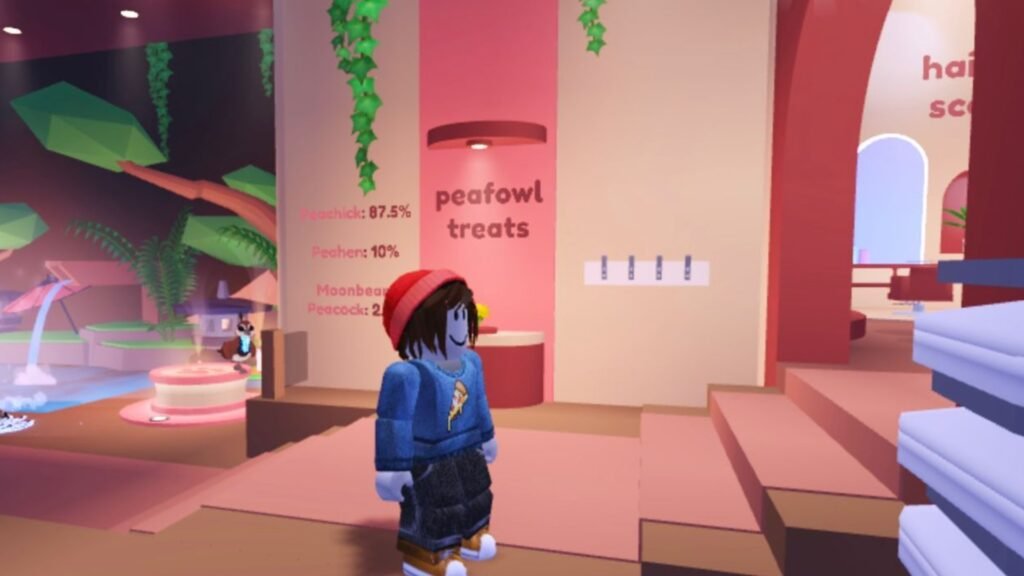
Once you do these steps correctly, there is a 2.5 percent chance of obtaining a Moonbeam Peacock. With such rarity, the pet is right to fall into the legendary tier.
Tricks for Moonbeam Peacock in Adopt Me
Here are the tricks that this pet of yours can do along with its age:
- Newborn: Sit
- Junior: Joyful
- Pre-Teen: Beg
- Teen: Jump
- Post-Teen: Trick 1
- Full Grown: Trick 2
FAQs
What happens if you do not get Moonbeam Peacock after placing the Golden Dandelion?
If you are unable to get the pet, you will secure a Peahen or a Peachick.
How does Moonbeam Peacock appear in the game?
The Moonbeam Peacock resembles a typical peacock, featuring a blue color scheme with white stripes across its body.
Can the pet be traded?
Yes, you can trade the pet.
