
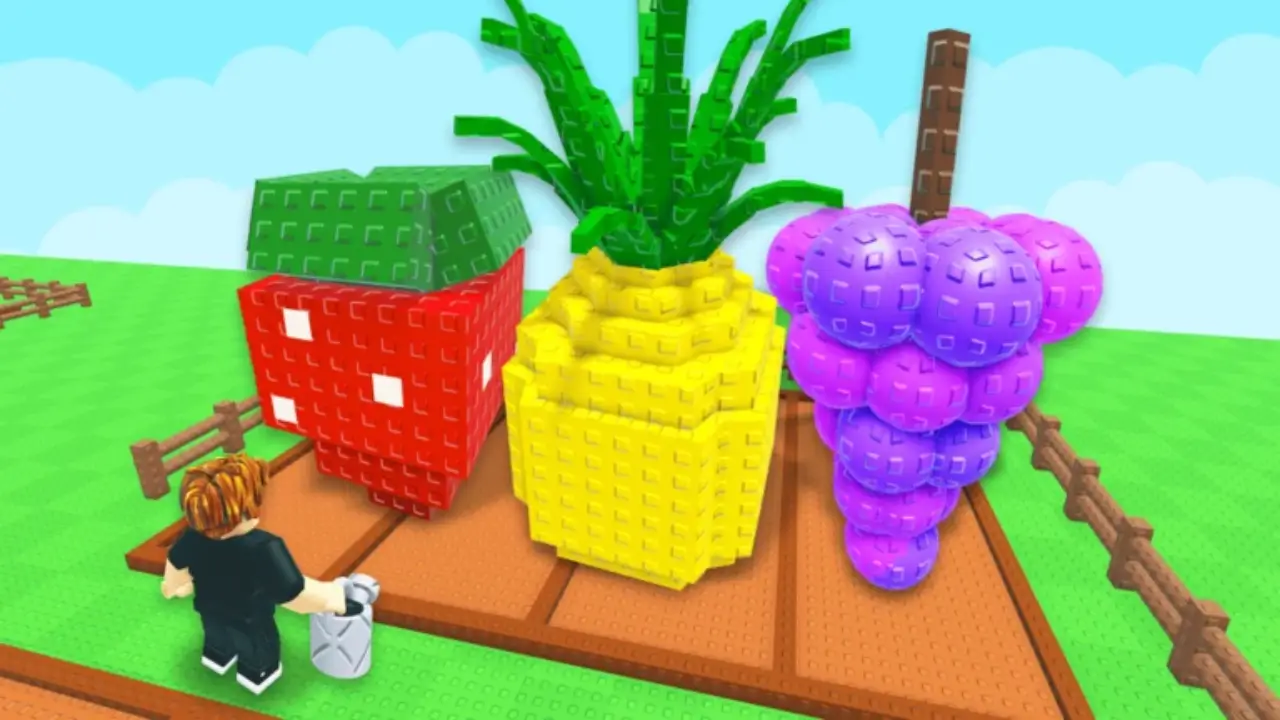
Starting a new farming game is always exciting, but Grow a Garden 2 throws a lot of mechanics at you almost immediately. Between choosing seeds, expanding your land, protecting crops, and figuring out how mutations work, it’s easy to waste your first few hours on inefficient upgrades.
After spending time learning the game’s progression, I’ve found that the biggest difference between a successful farm and a struggling one comes down to making the right decisions early. Instead of trying to grow everything, you should focus on building a steady income before investing in expensive crops.
This Grow a Garden 2 Beginner’s Guide walks you through everything you need to know to get started, from choosing the right server to earning your first big profits.
Choose the Right Server Before You Start
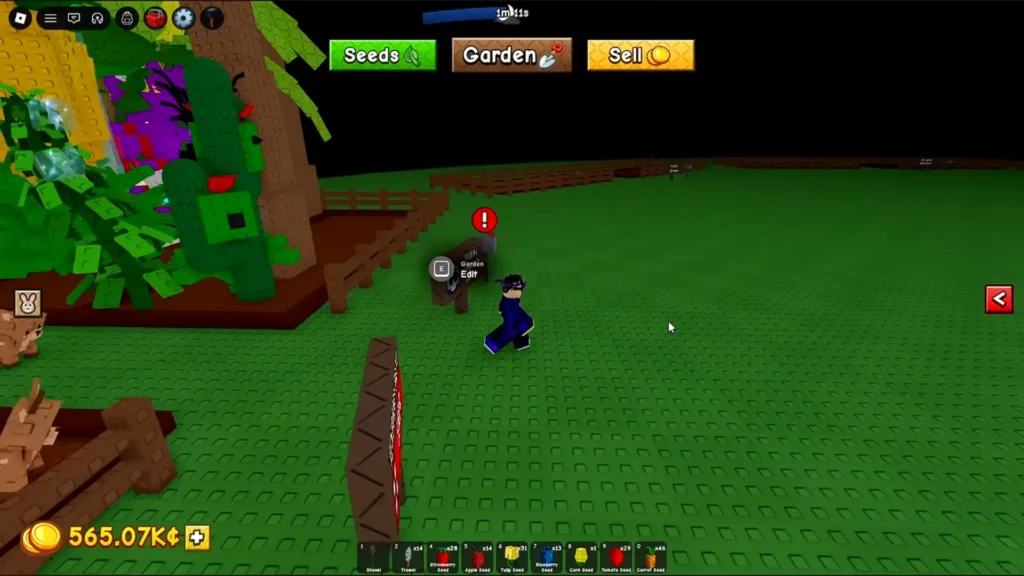
One of the first choices you’ll make is whether to play on a Public or Private server. Both options have advantages, and your decision depends on how you prefer to play.
Public Servers
- Play alongside other players.
- Earn a Friend Boost when friends are in the same lobby, increasing crop sale profits.
- Risk having other players steal your crops if you’re not careful.
Private Servers
- No random players can interfere with your farm.
- Ideal for learning mechanics without worrying about thieves.
- Miss out on Friend Boost bonuses unless friends join your server.
If you’re completely new, I’d recommend starting on a private server so you can learn the game’s systems at your own pace. Once you’re comfortable, moving to a public server with friends can significantly improve your profits thanks to the Friend Boost.
Learn Your Starter Tools
Your starting equipment may look basic, but each tool plays an important role during the early game. Some of the most useful starter tools include:
| Tool | Function |
|---|---|
| Watering Can | Keeps crops hydrated and prevents their growth from slowing. |
| Trowel | Used for digging, removing dead plants, and reorganizing your farm. |
| Basic Pots | Great for planting crops outside your main farming area. |
| Wheelbarrow | Increases carrying capacity, making harvesting much faster. |
Avoid spending all your money on expensive seeds immediately. Efficient farming with basic tools will generate more consistent income than buying crops you can’t properly maintain.
Plant the Best Starter Crops
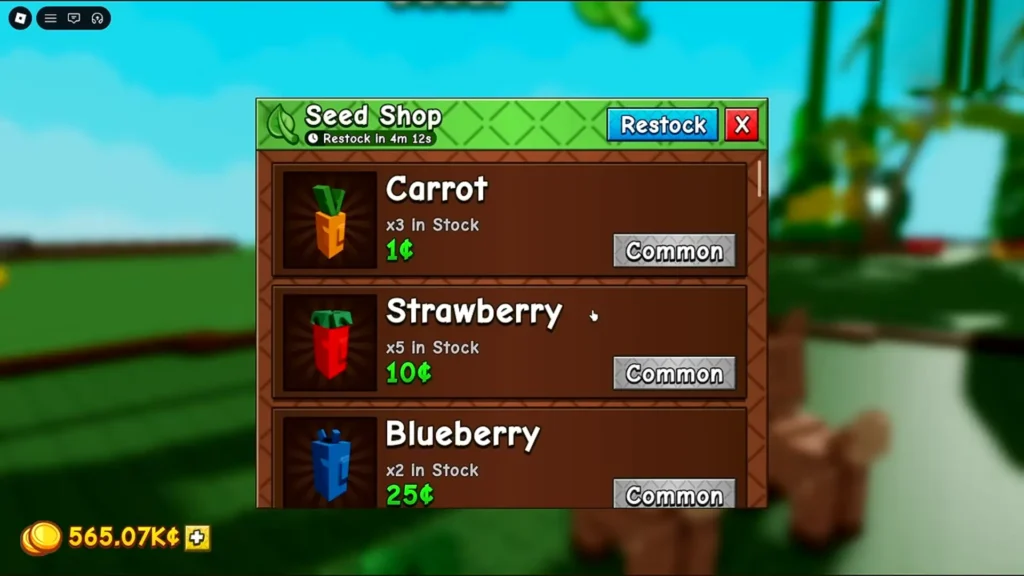
Your first few seed purchases determine how quickly your farm grows. The best progression looks like this:
Start With Carrots and Strawberries
Carrots are inexpensive, grow quickly, and provide reliable early-game income. Strawberries are even better because they offer excellent yields while maintaining fast growth times, making them one of the strongest starter crops.
Upgrade to Tomatoes
Once you’ve built a decent amount of Sheckles, start replacing Strawberries with Tomatoes. Tomatoes provide noticeably better profits and become your primary money-maker during the early game.
Save for Apple Seeds
As you approach the early mid-game, Apples become one of your best long-term income sources. Rather than constantly buying low-value seeds, save enough money to invest in Apple trees as soon as possible.
Don’t Ignore Redeem Codes
One of the easiest ways to accelerate your progress is by redeeming free codes. Developers regularly release redeem codes that reward players with useful items and currency. It only takes a few seconds to claim them, so make checking for new codes part of your routine whenever you log in.
Buy Speed and Automation Upgrades Early
One mistake many beginners make is focusing only on crops. In reality, movement speed and automation are just as important. Prioritize upgrades such as:
- Walk Speed boosts
- Teleporters
- Super Sprinklers
- Better sprinkler upgrades later on
These upgrades reduce the amount of time spent running around your farm and manually watering crops. I also recommend keeping your farm compact early on. Placing fields close together minimizes travel time until you unlock faster movement options.
Get Pets as Soon as You Can
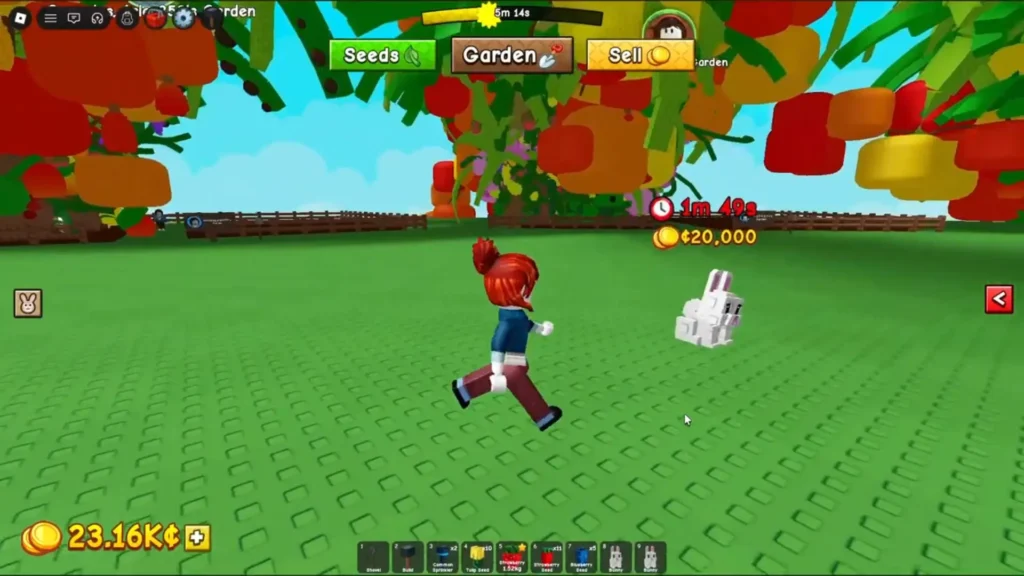
Pets aren’t just cosmetic companions; they provide valuable passive bonuses. The best early-game choice is the Rabbit (Bunny). It increases movement speed, helping you:
- Harvest crops faster
- Move around your farm more efficiently
- Chase crop thieves on public servers
The bunny costs 20,000 Sheckles to make it your pet. As your farm expands, unlock additional pet slots so multiple passive bonuses can work together.
Use Sprinklers to Increase Crop Value
Sprinklers are one of the highest-value investments you can make. Besides reducing manual watering, they also increase the chances of crops growing larger. Larger crops sell for more money, meaning sprinklers effectively increase your profits over time.
Whenever possible, place your sprinklers around your most valuable crops instead of your cheapest ones. Later in the game, upgrading to higher-tier sprinklers makes your farming operation even more efficient.
Save Money for Rare Seeds
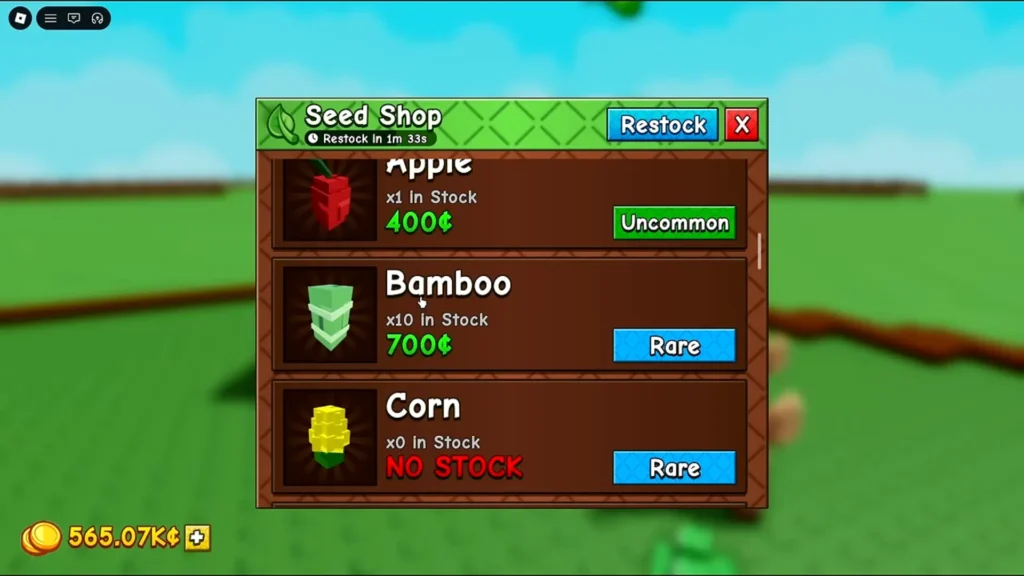
Once your income becomes more stable, start saving rather than spending every Sheckle immediately. Rare seeds appear in the Seed Shop unpredictably, and you’ll want enough money to buy them when they show up. Some of the best investments include:
- Bamboo
- Mushrooms
- High-tier Epic seeds
Mushrooms deserve special attention. Although they cost around 15,000 Sheckles, they can become incredibly valuable if they receive mutations before harvest. Keeping an emergency reserve ensures you don’t miss the opportunity when one appears in the shop.
Wait for Mutations Before Harvesting Expensive Crops
One of the biggest profit multipliers in Grow a Garden 2 is crop mutations. Weather events can apply mutations that dramatically increase a crop’s selling price. For high-value crops, it’s usually worth waiting for a mutation before harvesting. However, there’s an important balance to maintain.
Leaving crops untouched for too long causes decay, reducing their value significantly. Watch your plants carefully. If they begin losing their vibrant colors, it’s a sign they’re close to rotting and should be harvested before you lose profits.
Expand Your Farm Slowly
It’s tempting to spend your earnings immediately on extra land, but expanding too quickly often creates more work than profit. Instead, expand once your existing plots are consistently earning money.
At the same time, increase your available pet slots so your passive bonuses continue growing alongside your farm. I would suggest that a smaller, efficient farm almost always outperforms a large, poorly managed one.
Protect Your Crops From Thieves

If you’re playing on public servers, keeping your crops safe should become part of your daily routine. Some simple ways to reduce theft include:
- Stay inside your garden during nighttime to lock it.
- Use your Rabbit pet for increased movement speed.
- Unlock Gnomes later to help automate and protect your farm.
These precautions become increasingly important once you’re growing expensive crops.
Learn to Bargain for Better Profits
Selling crops immediately isn’t always the best option. For valuable harvests, especially mutated crops, use the Bargain mechanic. Although you’ll pay an appraisal fee, successful negotiations can increase your final payout considerably. You should also save your Daily Deal for your largest harvest of the day since it can only be used once every 24 hours.
Final Beginner Tips
Before wrapping up, here are a few habits that will help you progress faster:
- Keep checking the Seed Shop for rare seeds.
- Stay on top of crop hydration.
- Cluster your farming plots together early on.
- Prioritize movement speed before luxury upgrades.
- Build a steady income before chasing expensive plants.
- Harvest valuable crops before decay sets in.
Grow a Garden 2 rewards patience and smart planning far more than rushing into expensive upgrades. Once you establish a reliable farming routine, earning larger profits becomes much easier, allowing you to expand your garden without constantly struggling for Sheckles.
What are the best starter crops in Grow a Garden 2?
Carrots and Strawberries are the best beginner crops because they’re inexpensive, grow quickly, and generate steady early-game income.
Should I play on a public or private server?
Private servers are better for learning the game safely, while public servers offer Friend Boost bonuses if you play with friends.
When should I buy sprinklers?
Buy sprinklers as soon as you can comfortably afford them since they increase crop size and improve overall profits.
Should I harvest crops immediately?
Cheap crops can be harvested right away, but expensive crops are often worth leaving for weather mutations as long as you harvest them before decay begins.
