
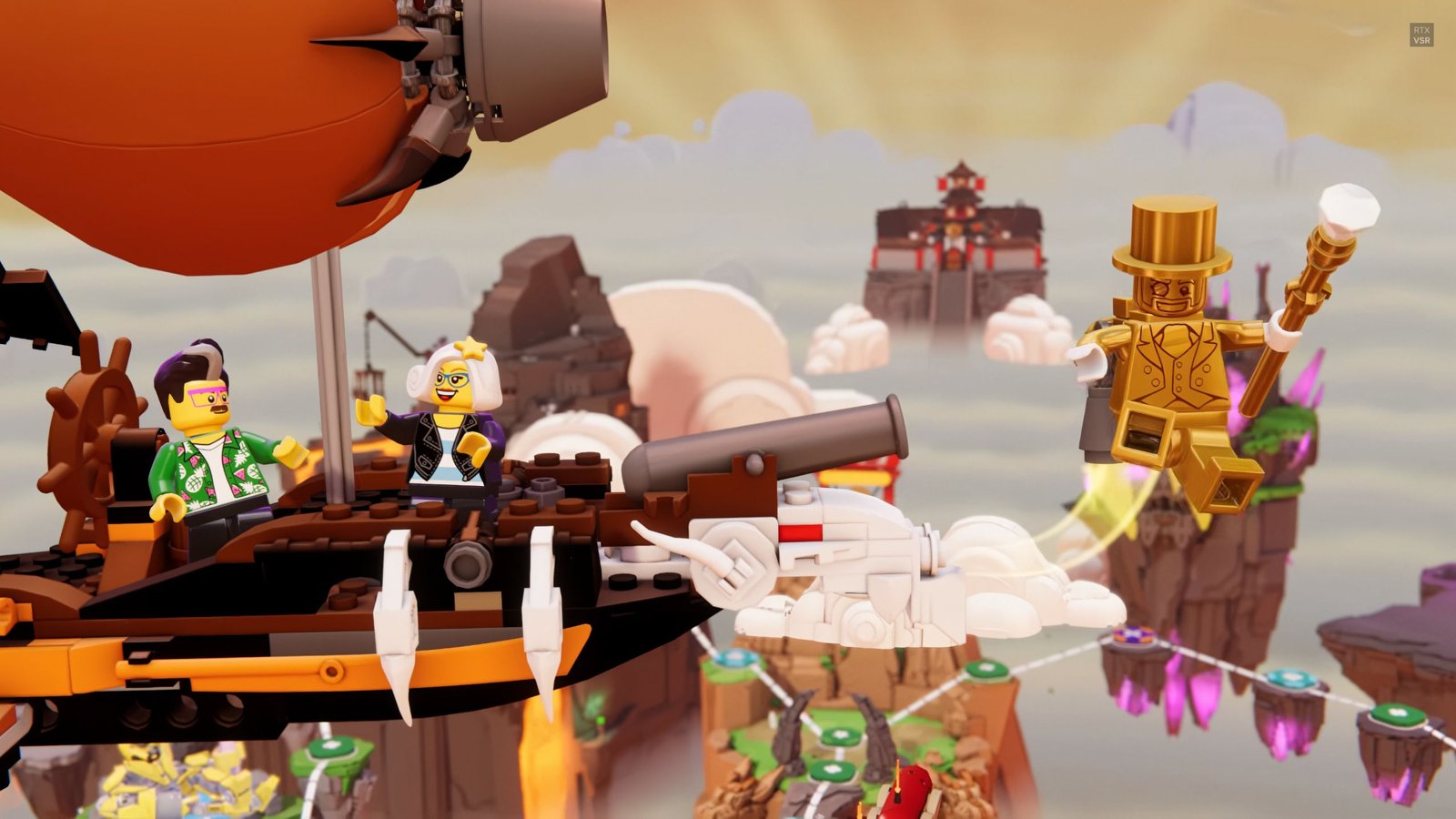
LEGO Party is a fun game that lots of people love to play together. The game has classic LEGO themes like Pirates, Space, and NINJAGO all mixed into one big party. You compete in different minigames and try to collect Golden Bricks to win.
You can play this game in a few different ways. You can have friends come over to your house, or you can play with people online. Knowing how many people can join helps you plan your game nights better.
How Many Players Does LEGO Party Support?
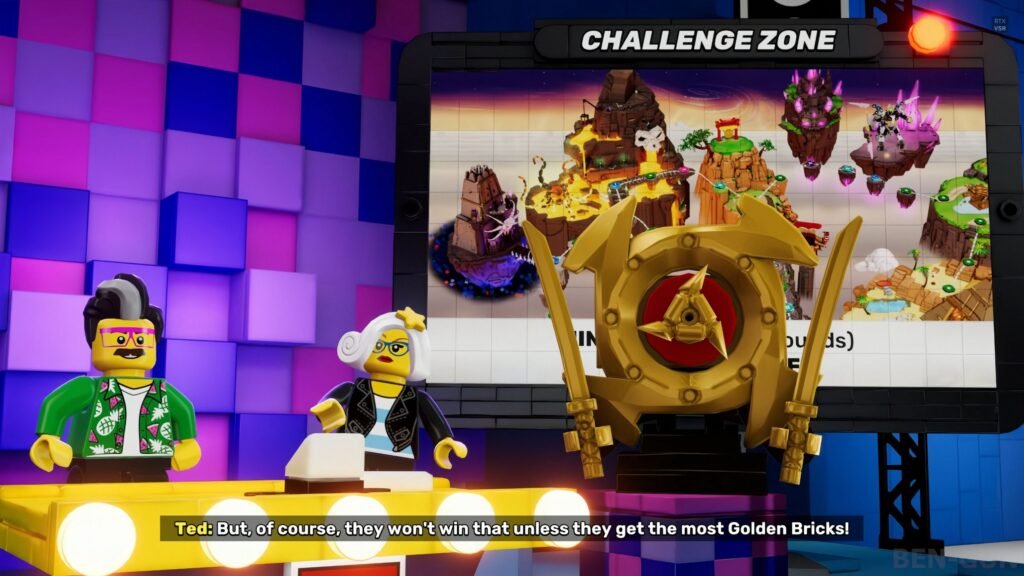
LEGO Party lets up to 4 players join one game. So you and three friends can play together at the same time. It works the same way if you play on one TV or online. You always get four players in a match.
What if you only have two or three friends around? No problem. The game adds computer players to fill the empty spots. These AI players keep the game feeling full and fun. You can even play all by yourself if you want. The computer players make sure you still have opponents to compete against.
Playing alone works really well in LEGO Party. When you start a game by yourself, the computer just adds three other players for you. This means you can play anytime, even when your friends are busy. Playing solo helps you get better at the minigames too. You can practice and learn how everything works without waiting for anyone else.
LEGO Party has both online and local play options. The online part is pretty cool because it lets people on different consoles play together. PlayStation, Xbox, Nintendo Switch, and PC users can all join the same game. This kind of cross platform feature means your friends can play no matter what system they own. There are 60 different minigames in the game, spread across different LEGO themes. With so many games to try, you can play for hours without getting bored.
How to Add More People to LEGO Party
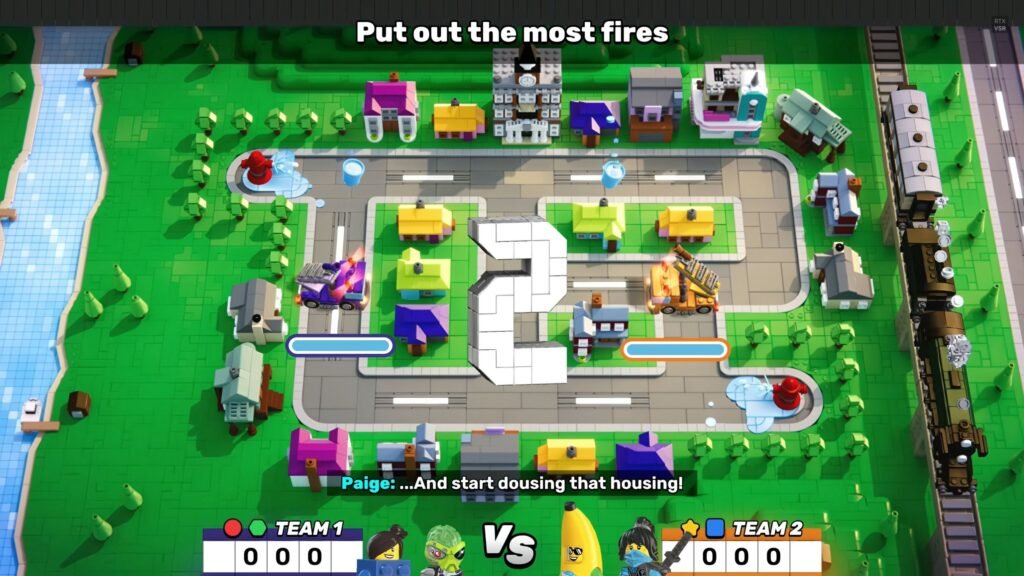
Adding players to your LEGO Party session depends on whether you are playing locally or online. For local multiplayer, simply connect additional controllers to your system before starting the game. The game recognizes new controllers and allows players to join the session. Up to four controllers can be connected for the full four player experience.
For online games, you need to either send invites or give people your lobby code. Your friends type in the code from their main menu, and they join your game. The person who starts the game gets to decide when everyone begins playing. This gives people time to get connected without rushing.
Keep in mind that four players is the max. Once you have four people in a game, nobody else can join that round. If you want to switch players, you have to finish the game first and then start a new one. This limit keeps things fair and makes sure the game runs smoothly for everyone.
The game lets you mix local and online play however you want. You can set things up based on who can play and where they are. Some people might be sitting next to you while others join from their own houses. Just like how other games handle multiplayer options, LEGO Party gives you choices for how you want to play together.
