
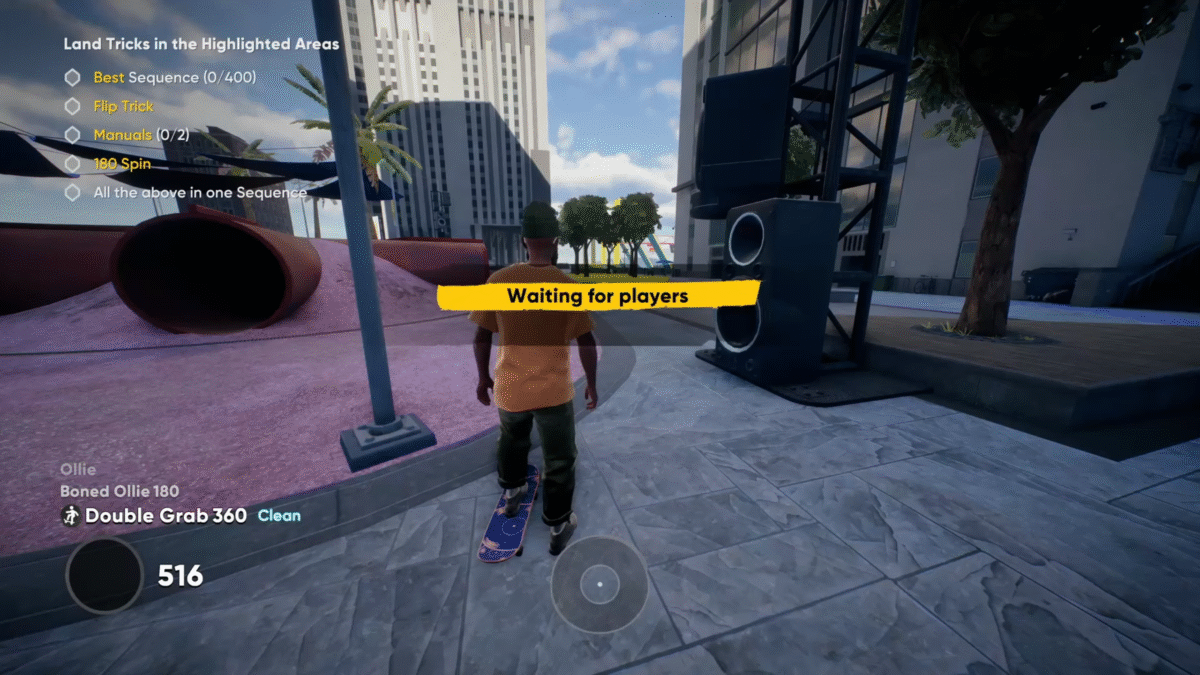
Skate players have been facing an issue where the game suddenly displays a “waiting for players” message during challenges or events. This can be confusing because the AI in the background still prompts you to start the activity, but your character remains locked.
The error often disrupts progress in both the campaign and challenges. With the game still being in early access, players are experiencing a few other bugs like the map not showing important icons while playing Skate.
Skate: How To Fix the ‘Waiting for players’ Error
The error usually shows up when starting new challenges in Skate. Instead of loading the event smoothly, the game locks your character while displaying the “waiting for players” prompt. Although it looks like the game is trying to set something up, it actually means the activity is too full at that moment.
Why the Error Happens in Skate
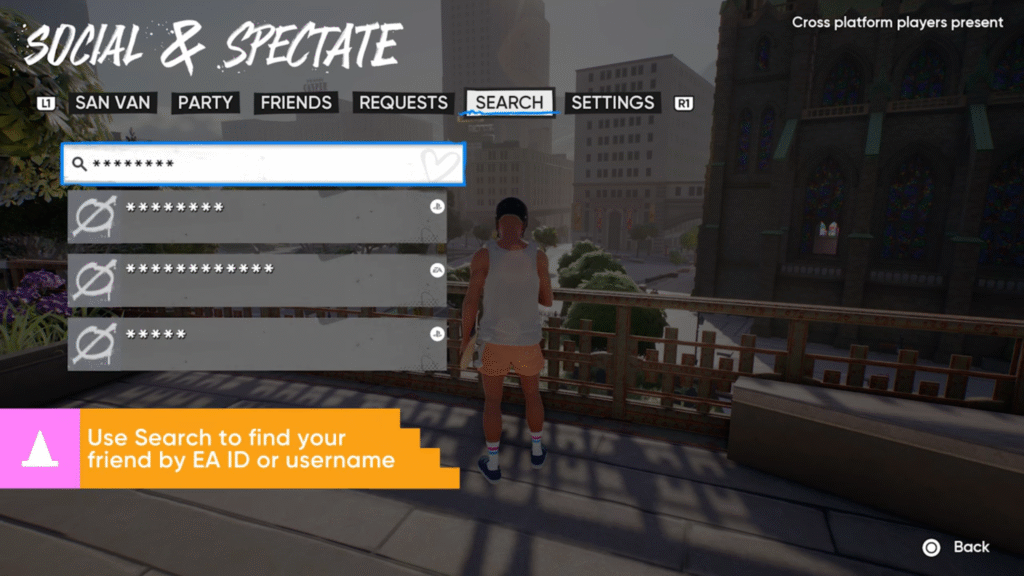
This issue occurs because too many players are attempting the same activity in the same area at once. The game waits for other players to either leave or finish before making room for new participants.
That is why you get stuck with the “waiting for players” screen even though everything else in the background seems active. In simple terms, the game is holding your spot until space frees up in the activity.
Wait It Out
The most direct way to fix this issue is to simply wait. Do not restart your game or leave the event immediately. The wait time usually does not last very long, and the game eventually lets you into the activity once space becomes available.
Turn Off Crossplay
Another method is to disable crossplay. Turning it off reduces the number of players crowding into the same objectives. This can help spread out participants and make it easier for you to enter challenges without being stuck.
Move to Less Populated Areas
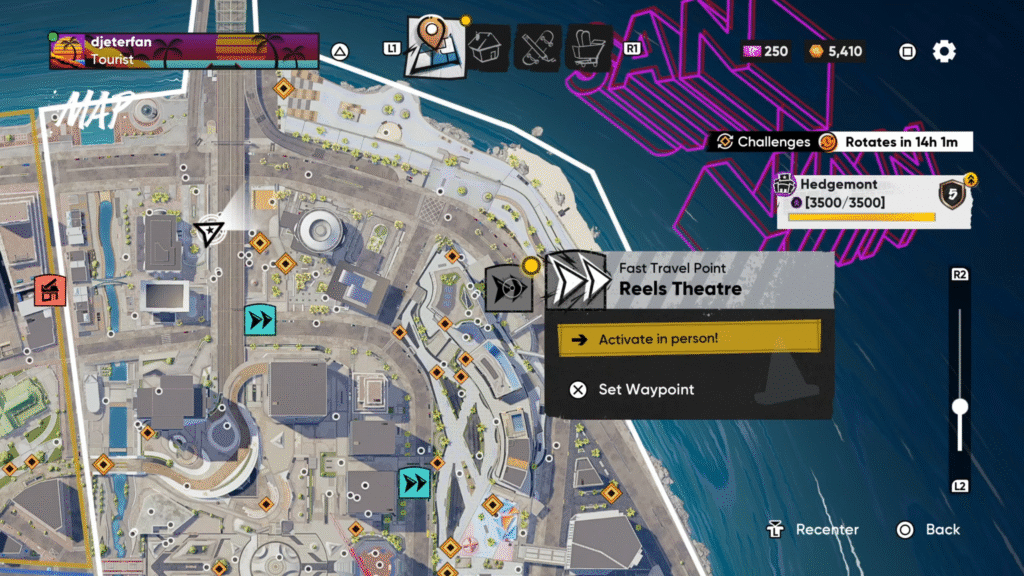
You can also check your map to see where players are clustered. If you notice certain areas filled with players, try moving to a quieter part of the map. Using the Fast Travel in Skate also helps players move across the map quickly, making it easier to avoid busy spots and join events in less crowded areas.
Starting events in less populated areas reduces the chances of hitting the error and allows you to progress smoothly. This approach saves time and prevents you from getting stuck in repeated waiting screens.
The “waiting for players” error in Skate happens mainly because of overcrowded activities. While it can be frustrating, it is not a problem with your system or your game. Waiting, adjusting crossplay settings, or choosing less crowded areas are the best ways to handle it.
