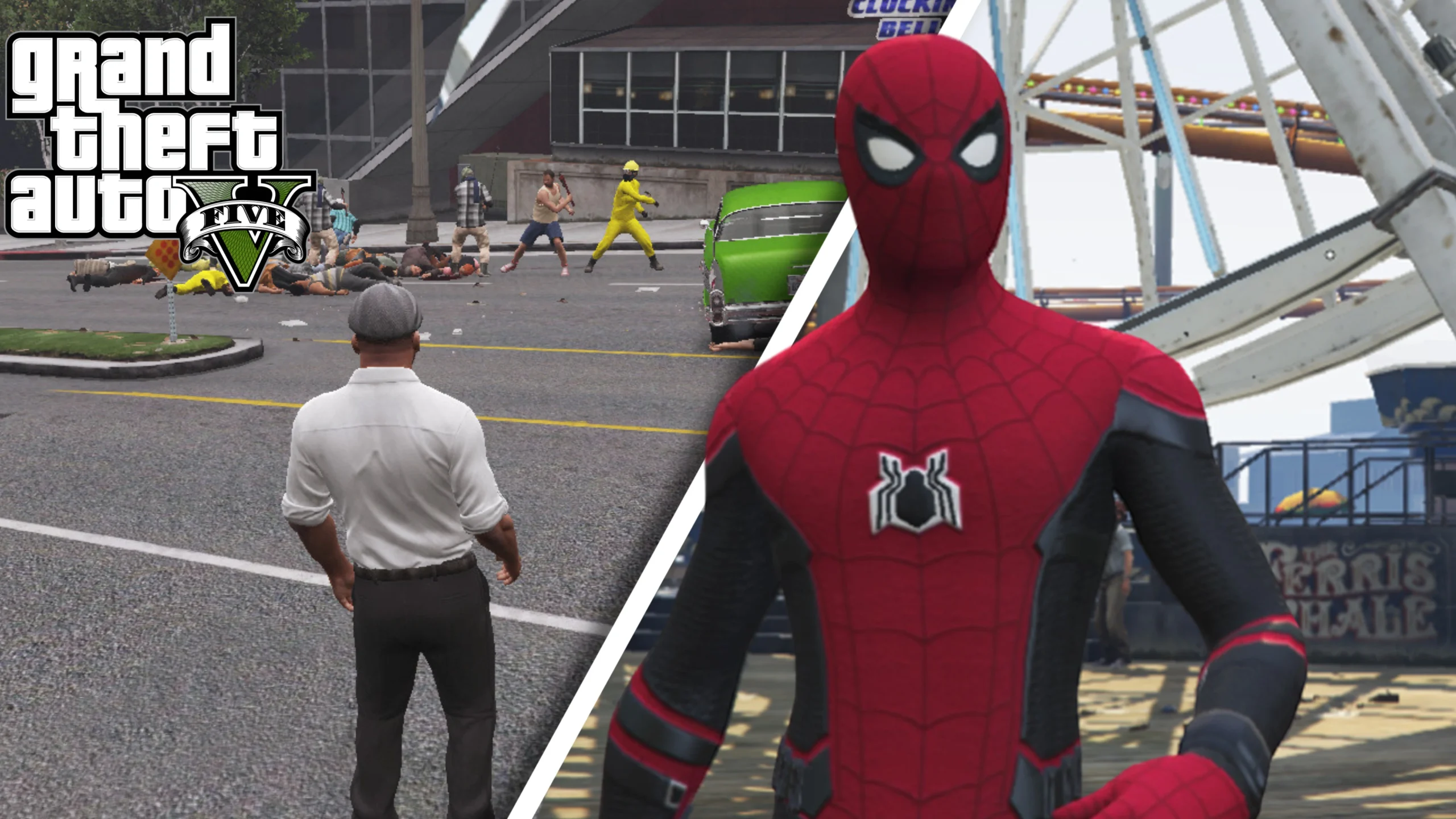
GTA 5 mods are what gave the PC version the edge over its console counterparts. Over the past 13 years, I’ve dabbled in tons of mods that change how the game looks, turn Los Santos into the lost city of Atlantis or transform either of the three protagonists into Spider-Man, swinging through the city skylines. And the mods go way beyond this.
GTA 6 will undoubtedly be bigger, bolder and different from GTA 5. So, while you wait for the game, it doesn’t hurt to explore some of the greatest GTA 5 mods ever put in the game. In this guide, I list the best updated GTA 5 mods that are available to download and how to install them.
1. Menyoo 2.0 (Enhanced & Legacy)
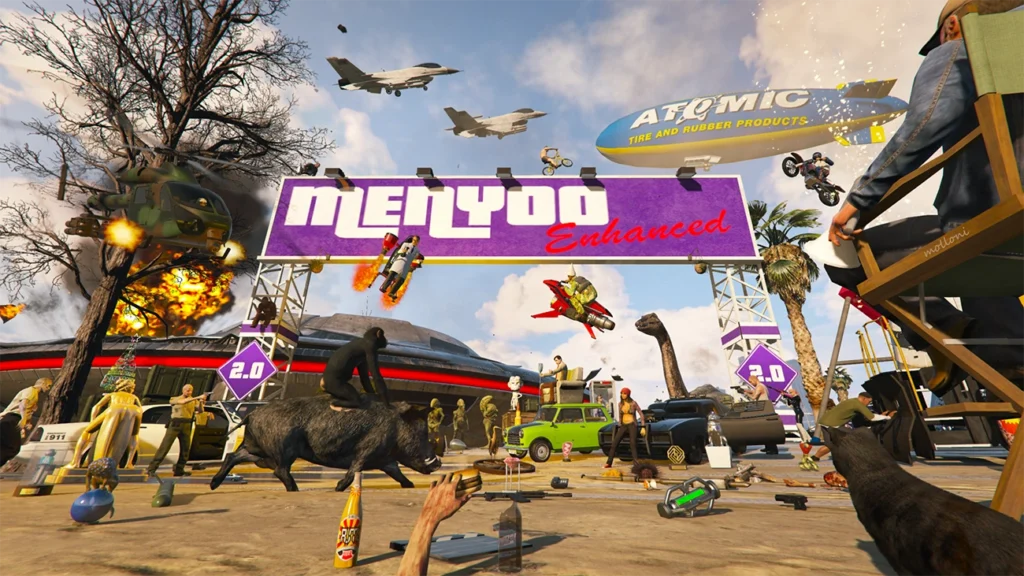
Menyoo is arguably one of the greatest GTA 5 mods in history. Designed only for the game’s Story Mode, it adds an in-game mod menu that lets you spawn any vehicle (including DLC vehicles), spawn NPCs and animals, teleport to locations, customize weapons, use Object Spooner to build custom maps and more.
Having used this one myself, I can wholeheartedly recommend it. However, the installation process is a bit tedious as you need Script Hook V to make it function. Here’s what to do:
- Download and install Script Hook V.
- Copy ScriptHookV.dll and dinput8.dll (ASI Loader) into your GTA 5 root folder.
- Install the Menyoo mod.
- Extract the Menyoo archive and copy the following files:
- Menyoo.asi
- MenyooStuff folder
- Paste them into the same GTA 5 root directory.
- Launch the game’s Story Mode.
- Press F8 twice to initialize and open Menyoo.
If you see nothing after pressing F8, confirm Script Hook V is up to date and matches your current game build.
2. Spider-Man V [.NET]
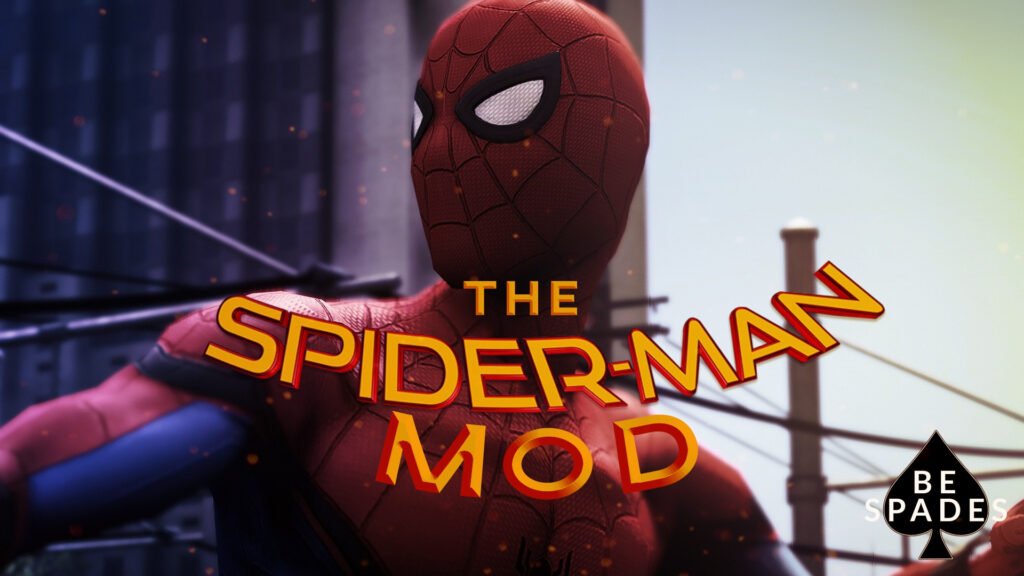
This GTA 5 mod lets you live out your wall-crawling fantasies in Los Santos. If you’ve always wanted the friendly-neighborhood hero to take a more violent and darker route, then this mod is for you. You can swing around freely throughout the city, wall-crawl and shoot webs to pull enemies, dodge bullets and missiles with your Spider-Sense, and much more.
Now, the installation process isn’t as simple as getting bitten by a radioactive spider. You must have some knowledge of GTA 5 modding, and your game version should be 1180.1 and above for the mod to work. Download the Spider-Man V mod first, then follow the steps below:
- Download NAudio.dll.
- Install both the Microsoft .NET Framework 4.6.1 (or higher, so skip this on Windows 10) and the Microsoft Visual C++ Redistributable Package for Visual Studio 2013 (x64).
- Download/Install ScriptHookV.
- Download/Install ScriptHookVDotNet.
- Use the .oiv to install the mod (using OpenIV), or open it with WinRAR and manually install the files.
The installation is involved, but swinging between skyscrapers in Los Santos is worth the setup time.
3. Enable All Interiors
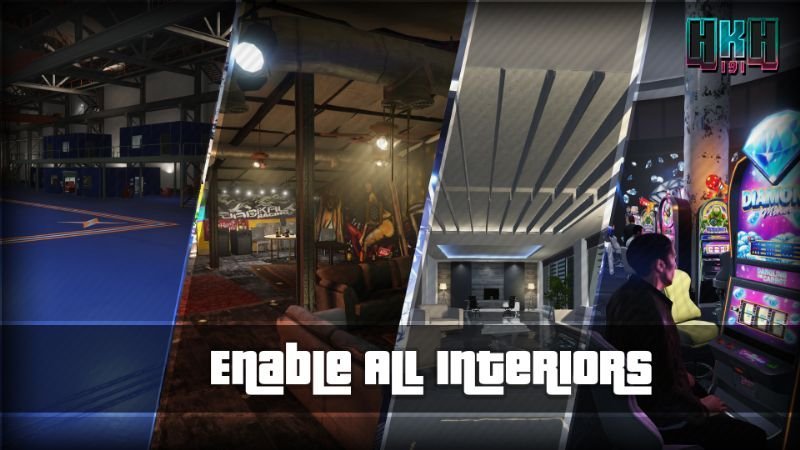
I know there have been rumors about GTA 6 having more enterable interiors and buildings, so to shorten the 4-month wait until November 19, 2026, this GTA 5 mod is easily the next best thing. With this mod, you can enter all interiors, and yes, that includes the ones from GTA Online.
Since the installation process is a bit confusing, here’s what you need to do after downloading the Enable All Interiors mod, as per the creator of the mod, HKH191:
- Download and install ScriptHookV and ScriptHookVdotnet (latest ScriptHookVdotnet if you’re on the latest game patch), then set a reload key in scripthookvdotnet.ini, preferably Insert.
- Create a “scripts” folder (named “scripts”, not “Scripts”) if you haven’t got one already.
- Install LemonUI.
- There is a download link in the zip’s text file. Copy the URL into a browser, then a zip will be downloaded.
- Drag the CONTENTS of the SHVDN3 folder into scripts.
- Drag EnableAllinteriors.dll, EnableAllinteriors.ini, and EnableAllinteriors.pdb into the “scripts” folder
- Launch the game.
- When your game has loaded, press Insert to force-load the MP map.
If you fail to do this, you’ll fall through the air when entering an online interior. You can even customize interiors with this mod, which isn’t available in vanilla GTA 5.
4. Simple Zombies
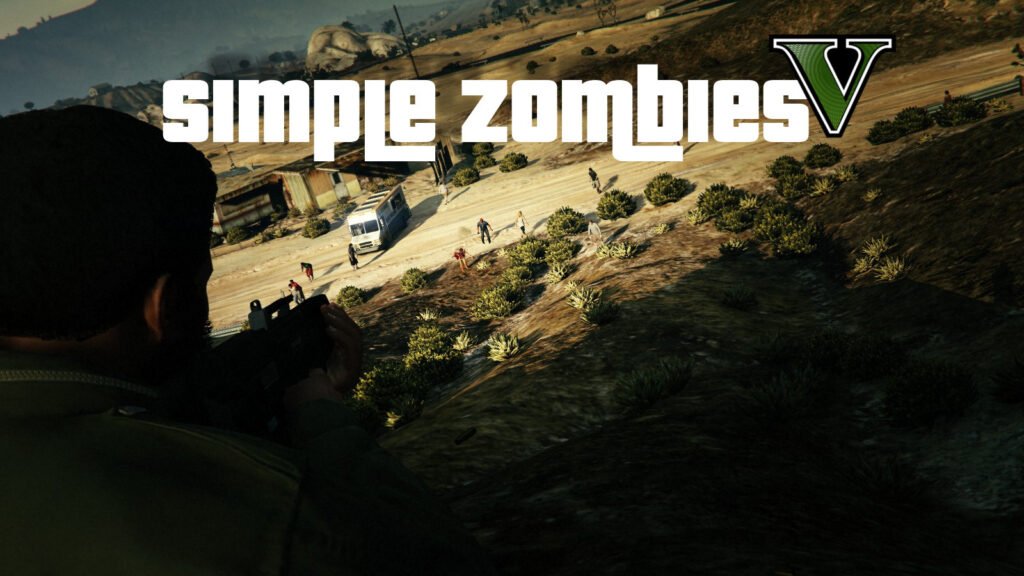
Turn Los Santos and Blaine County into The Walking Dead with this GTA 5 mod. This turns the game into a complete open-world survival horror experience with crafting and resource mechanics. Food and sleep are essential for survival, while building camps, setting up walls, and recruiting friendlies will help you deal with the undead hordes.
Zombies are attracted to loud noises in this GTA 5 mod, so let’s take a closer look at how to install it quietly. Before you start, download the Simple Zombies mod first, then proceed:
- Install both the Microsoft .NET Framework 4.5.2 (or higher, so skip this on Windows 10) and the Microsoft Visual C++ Redistributable Package for Visual Studio 2013 (x64).
- Download/Install ScriptHookV
- Download/Install ScriptHookVDotNet
- Download/Install NativeUI
- Add the .dll and .pdb files from the zip to the scripts folder. (Your C:/GTA5Directory/scripts/)
The mod creator has provided an installation video on the mod page if any step is unclear.
5. Euphoria Ragdoll Overhaul – E.R.O

GTA 5’s ragdoll physics weren’t as snappy as GTA 4’s or even Red Dead Redemption 2’s, but fortunately, there’s a mod for everything. This GTA 5 mod overhauls the vanilla ragdoll physics to match the Euphoria real-time ragdolls.
Now, you can have targets entering shock-state after being shot, there’s better bracing for impact reaction, pushing people becomes much easier and many more benefits to make ragdolls more satisfying. So, download the E.R.O mod and follow the steps below to install it:
- Open.OIV with the rar/zip program and get the files.
- Create a folder called naturalmotion in GTAV/update/update.rpf/common/data and place behaviours.xml there.
- Copy Physicstasks.ymt to: GTAV/update/update.rpf/x64/data/tune.
6. Real California Architecture
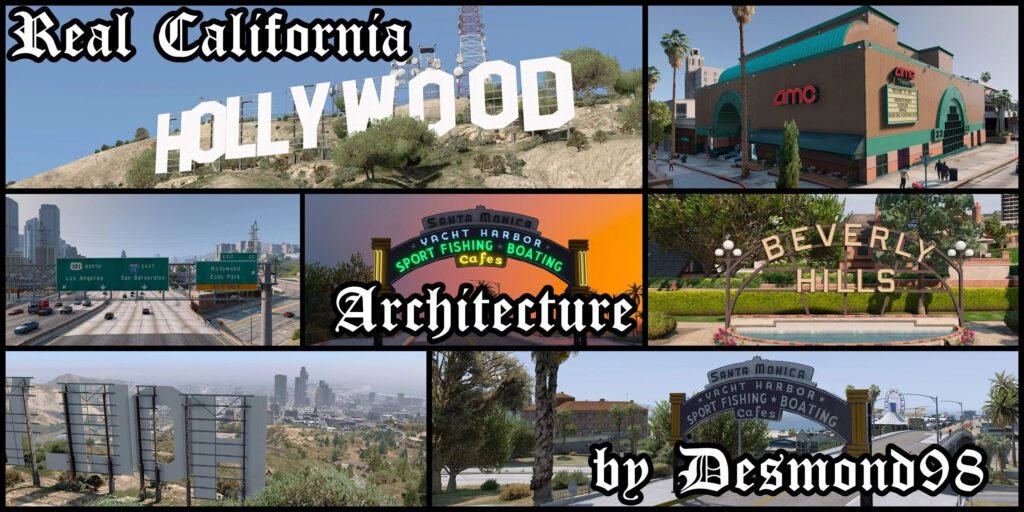
Los Santos is based in California, so having a mod that accurately depicts real California architecture should be a treat for all GTA 5 players. This replaces vanilla architectures with structures like new Hollywood signs, AMC Theatres, In-and-Outs, and much more, making you feel like you’re walking through a 100% accurate California in the game.
Before you start with the installation process, download the Real California Architecture mod from GTA 5 Mods and follow the steps below:
- Once downloaded, unzip it anywhere you want.
- Now, in OpenIV, go to “mods/update/x64/dlcpacks/”, drag and drop the folder called “rca” from the archive here.
- Go back to “mods/update/”. Now, go to “update.rpf/common/data/” and click edit on “dlclist.xml”.
- Add new line: dlcpacks:\rca\.
- Save.
Don’t worry about FPS drops. Creator Desmond98 has confirmed there are no frame rate issues with this mod, unless you’re running another Billboard-replacing mod.
7. No Water + Tsunami + Atlantis Mod
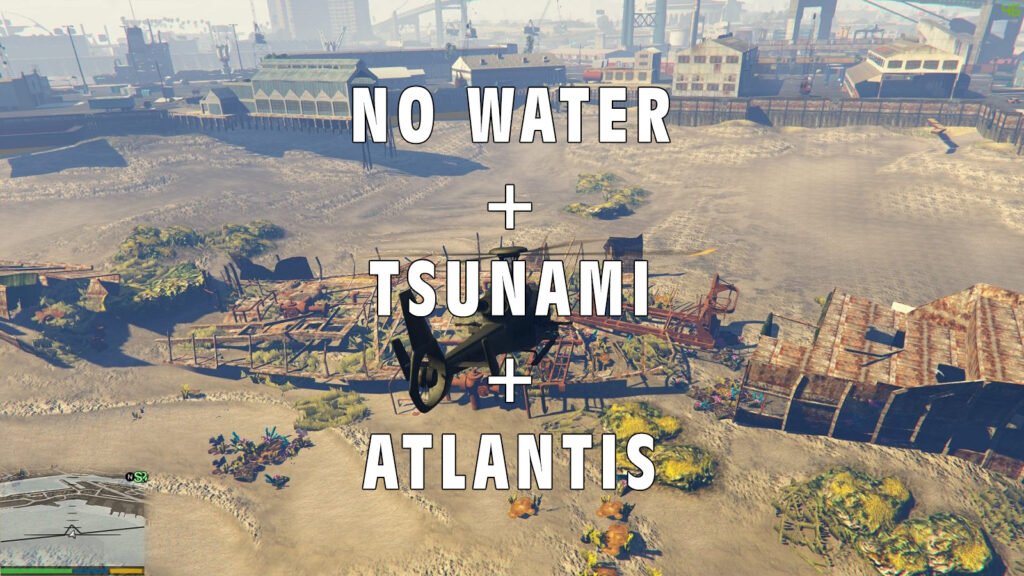
Tsunamis were all the rage when GTA 5 debuted on PC. This GTA 5 mod turns Los Santos into three things: a drought-filled city, the aftermath of a tsunami or the lost city of Atlantis. You can turn the entire city into an explorable ocean or make it as dry as the Sahara. Water levels reaching the height of skyscrapers is also possible with this mod.
So, download the No Water + Tsunami + Atlantis Mod from GTA 5 Mods, and follow the process below to install it into the game’s Story Mode:
- Install OpenIV, the ultimate GTA 5 modding tool.
- Extract the water.xml from the archive.
- Run OpenIV and open common.rpf
- Open the “data” folder.
- Open the “levels” folder.
- Open the “gta5” folder.
- Right-click on the water.xml file and select “replace”.
- Choose the extracted file.
For Tsunami and Atlantis, follow the same steps but replace files from the respective folders. This GTA 5 mod is meant for Story Mode use, so don’t go messing around in GTA Online.
8. Awesomekills Graphics
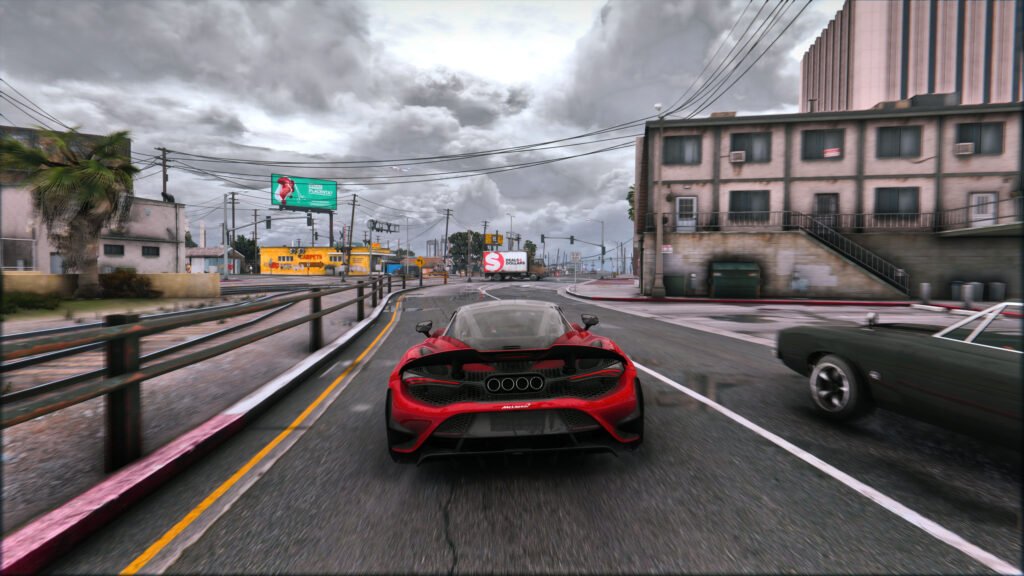
Awesomekills Graphics mod might be one of the best GTA 5 reshading mods out there. It turns the 2013 game into a 2026 title with updated visuals, accurate reflections, color balance, performance optimization and more. If you want a taste of how good GTA 6 will look, this is the mod for you.
So, download the Awesomekills Graphics mod and start with the installation process as listed below:
- Using OpenIV, install VisualV.
- Using OpenIV, install Awesomekills graphics.oiv package
- Install Reshade
- Delete the “reshade-shaders” folder from your GTA 5 folder
- Copy all files from “5 step folder” to your GTA 5 folder with replace.
- Change the path in the “ReShade.ini” file from the “6 step” folder (helping picture with instructions included), save it and copy it to your GTA 5 folder.
For those having trouble with the installation process, you can check out this video right here to perform the process without any hassle.
9. ATM Robberies & Bank Heists
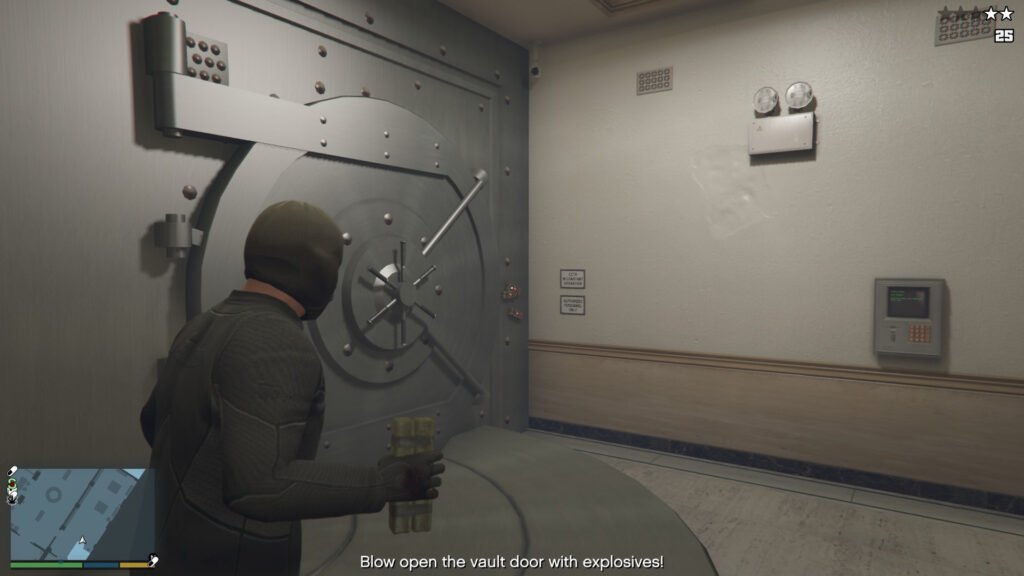
GTA 5’s bank robberies and ATM heists were top-tier, but there weren’t enough of them to satisfy my thirst. Luckily, this GTA 5 mod allows you to rob all 47 ATMs around the map and all of the 10 banks. This adds more replayability along with more avenues to earn cash in the game. You can earn as much as 20 million dollars from a single heist with this mod.
The installation process is extremely simple. All you have to do is download the ATM Robberies & Bank Heists Mod and put the files in your scripts folder to install this GTA 5 mod. Then, drop into the Story Mode and open your map to check the bank robbery and ATM heist locations.
10. Gang and Turf Mod
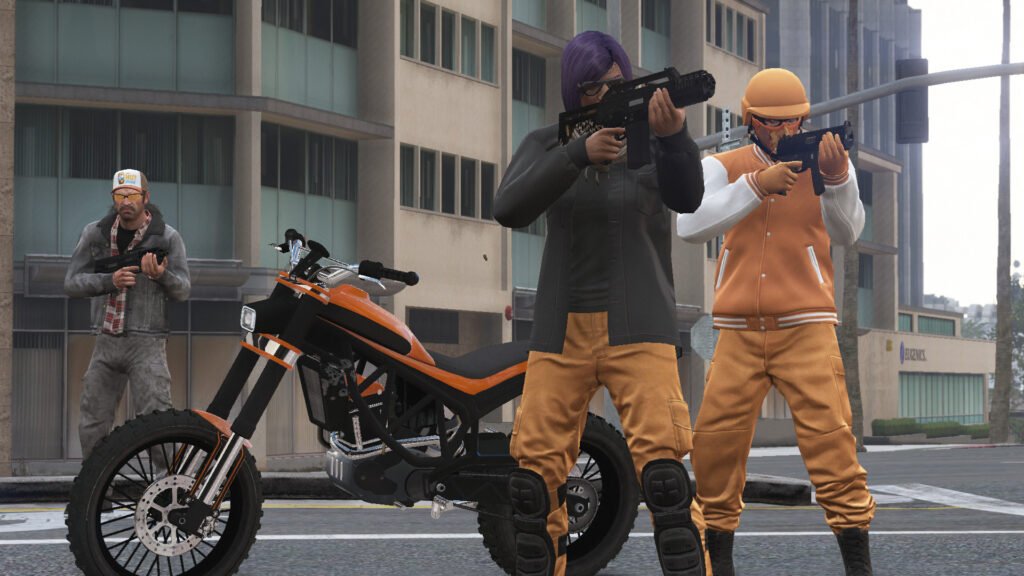
This GTA 5 mod is another way to increase replayability and avenues to earn more income. With this, you get to create your own gang and tussle with others for control of their turf. It’s an immensely fun GTA 5 mod that takes you back to the GTA: San Andreas era, where CJ had to fight with the Ballas on their turf.
Download the Gang and Turf Mod, then check out the installation steps below to successfully install it:
- Drag the scripts folder and the gangModData folder into your GTA 5 folder.
- If you’re installing NativeUI/LemonUI as well, just like this mod’s .dll, it goes inside the scripts folder too.
- In LemonUI’s case, this mod uses the files inside LemonUI’s SHVDN3 folder; put those files inside the scripts folder (LemonUI.SHVDN3.dll and the others)
- The GangModData folder must still be put inside the GTA 5 folder, or else data won’t be saved properly.
- When updating from a previous version, don’t overwrite the following files of your “gangModData” folder, or else you’ll lose your saved data/options: GangData.xml, ModOptions.xml, TurfZoneData.x.
With these mods, I hope the wait for GTA 6 becomes easier for you. I know the wait is even more excruciating if you’ve pre-ordered the game, but trust me, these GTA 5 mods will do well to keep you engaged until November 19, 2026.
Are GTA 5 mods allowed?
Yes, Rockstar generally allows non-commercial, single-player mods on PC that respect intellectual property rights. However, this does not apply to GTA Online or mods that affect multiplayer services.
Can you get banned for using GTA 5 mods?
You shouldn’t be banned for using mods only in GTA 5 Story Mode. However, using mods, cheats, exploits, or trainers in GTA Online can lead to account suspensions or bans for violating Rockstar’s Terms of Service.
What do you need to install GTA 5 mods?
Most GTA 5 script mods require Script Hook V, while some also need Script Hook V .NET or OpenIV, depending on the type of mod. Always read the installation instructions provided by the mod creator before installing.
Why do GTA 5 mods stop working after a game update?
Major GTA 5 updates often break compatibility with Script Hook V and other modding tools. In most cases, you’ll need to wait until the developers update these tools before your installed mods work again.
Can you use GTA 5 mods on consoles?
No, GTA 5 mods like Menyoo, LSPDFR, and graphics overhauls are designed for the PC version of the game. The PlayStation and Xbox versions do not officially support community-made mods.
Is it safe to download GTA 5 mods?
Yes, as long as you download them from trusted modding communities and follow the installation instructions carefully. Avoid downloading mods from unknown sources, as unofficial files may contain malware or outdated software.
Do GTA 5 mods affect your save files?
Most mods won’t permanently damage your save, but poorly made or outdated mods can cause crashes or corrupt saves. It’s a good idea to back up your Story Mode saves before installing new mods, especially large gameplay or map modifications.
