
Summary
- REPO is an online co-op horror title that can be played either solo or in groups
- You can play in groups of up to six players
- However, there’s a trick to extending this player cap further.
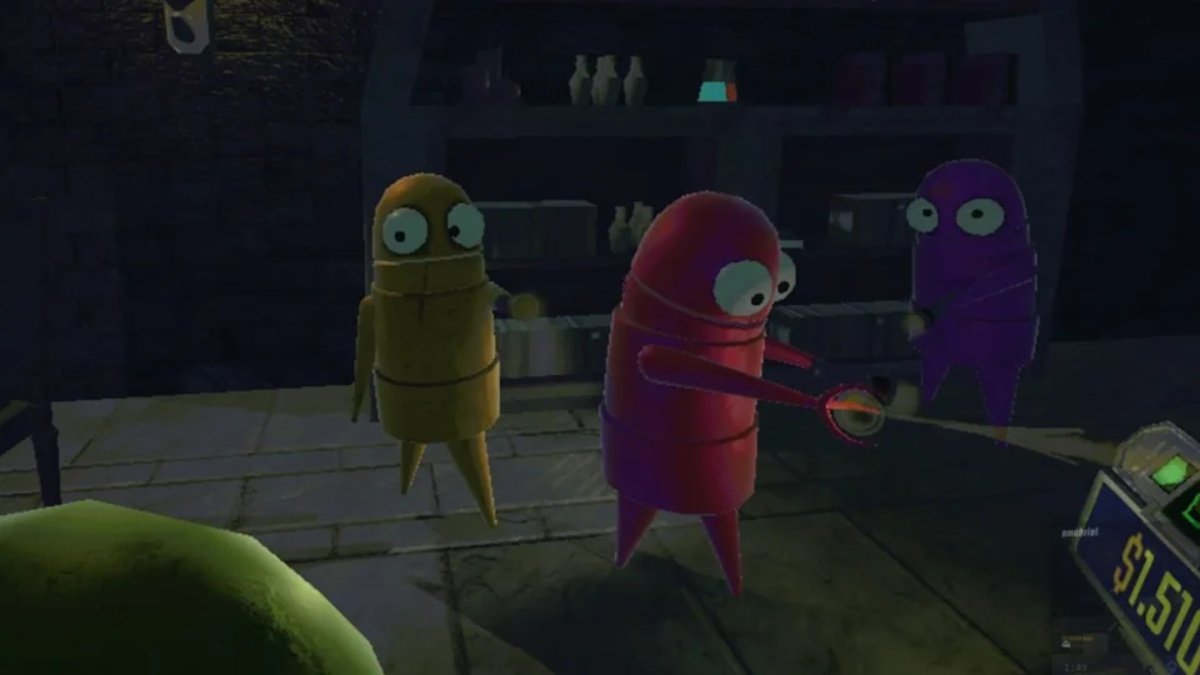
2025’s hit Indie title, REPO, is an online co-op horror game that lets you explore a plethora of haunted locations and gather loot while tackling unique monsters. Although you can go solo and blitz your enemy all alone, it’s always fun to gather your squad up on a good old Discord voice chat (or the proximity chat if that’s what you prefer) and get some help from your friends.
REPO: Max Player Limit

Unlike most games of this genre, REPO allows up to six players to join a game. Besides the host, five other players can be added. Adding more players to your game comes with its fair share of fun and drawbacks. But if you’re like me and are looking to have a chill co-op gaming session with your friends, here’s how to host a game and add your friends in REPO:
- Select the Host Game option in the Main Menu
- Choose New Game. Select Yes when the pop-up message is displayed
- Navigate to the bottom right corner lobby box and click Invite
- Add your friends from your Steam friends list
- Once everyone has joined, click Start Game
How To Play REPO With More Than Six Players
If you have a much bigger group and need to accommodate more than six friends in a game, you are in luck. You can use mods to increase the player cap in an online co-op server. Follow the steps below to download and install the MorePlayers mod and create bigger lobbies in REPO:
- Go to Thunderstore.io
- Navigate to Communities and select View all Communities
- Search for REPO. Next, click on Most Downloaded Mods for the game and look for the MorePlayersSimple mod. Alternatively, you can also look the mod up in the search bar.
- However, to successfully run the mod, you’ll need to download BepInExPack, which is a necessary library for installing most of these mods
- Click on Manual Download and download it
- Once downloaded, open the file and click on the BepInExPack folder. Copy the three files and paste it in the game folder.
- Launch the game once to test if everything looks good. If CMD pops up, it means you’re good to move ahead. Now, close the game
- Open the MorePlayersSimple download file and navigate to the plugins folder. Further open the MorePlayers folder and copy the MovePlayers.dll file.
- Lastly, open the BepInExPack folder inside your REPO download file. Open the plugins folder and paste the file here.
- Relaunch the game, and now you are good to go, with the mod allowing you to host up to 10 players in a server.
FAQs
Is BepInExPack necessary for removing the six-player cap in REPO?
Yes, downloading BepInExPack is necessary for installing the MorePlayersSimple mod, and essentially, other REPO mods.
Is REPO playable solo?
Yes, REPO can be enjoyed both solo and in groups of people up to six (without mods).
Can you add more than 10 players with the MorePlayersSimple mod in REPO?
Yes, you can add more than 10 players with the MorePlayersSimple mod. However, you will need to make some changes to the mod file. Firstly, go to the BepInExPack folder and open config. Open this config file with your Notepad application and edit the MaxPlayers value to your liking.
