
Summary
- Using the best Soulmask Mods will definitely enhance your gaming experience.
- These mods can range from changing your body shape to skipping introduction cutscenes.
- You will also need to carefully understand each mod’s installation process, as it can vary widely.
You might be looking for the best Soulmask mods to improve the experience of the base game. Fortunately, the Steam Workshop and other third-party websites will have tons of mods to experiment with. These can be simple HUD enhancements or quality-of-life (QoL) enhancements.
How To Download the Best Soulmask Mods

Although most mods need to be added into a separate mods folder within the game files, the exact process will depend on each unique mod. Some of these will run as separate Cheat Engines, independent of the game:
- No-HUD-No-Effects
- D-Tea Of Change Helper
- Items Don’t Decrease on Use
- Soulmask Calculator
- No-Intro
No-HUD-No-Effects
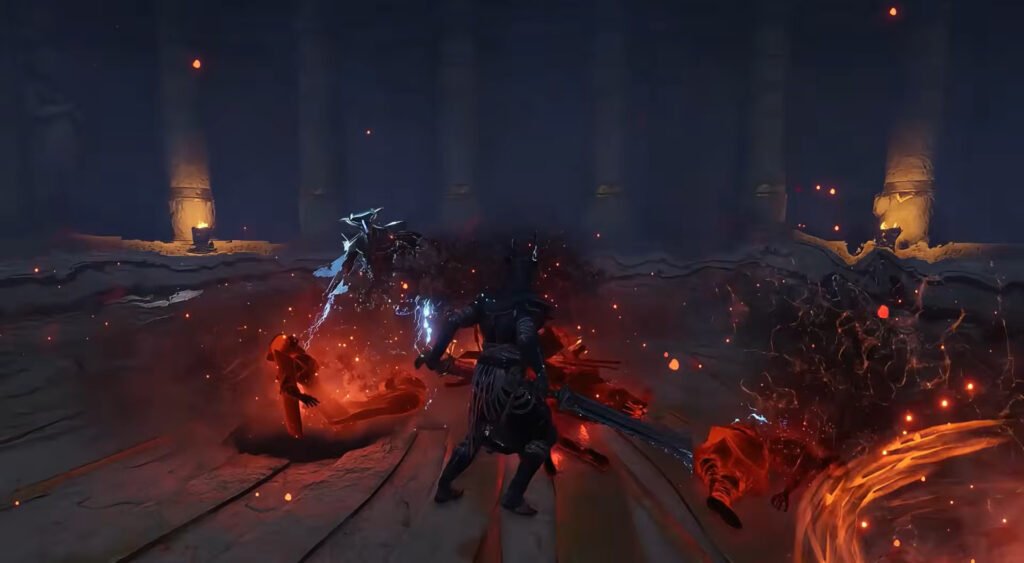
Tired of all the particle effects and HUD (heads up display) clogging up the screen? Well, this mod will be particularly helpful to you in this regard. This Soulmask mod lets you toggle various attack and arrow trail effects, making it easier to see.
Even the reticle can be removed, which is nice if you want a more cinematic experience and better screenshots. Downloading this mod is easy as well. You will have to extract the zip file directly into the game folder.
D-Tea Of Change Helper
This Steam Workshop mod introduces recipes for new types of tea into Soulmask. These are:
- Very Slim Tea – Slims the body down to an extreme lean silhouette.
- Slim Tea – Lightly reduces body width for a more streamlined look.
- Normal Tea – Reverts body to default shape.
- Strong Tea – Builds a more muscular, stockier frame.
- Fat Tea – Heavier, rounder body type.
- Random Face Tea – Replaces the character’s face with a random variant.
As you can see, this is no ordinary tea. Instead, it changes your body shape so that you can get more character customization options.
Items Don’t Decrease on Use
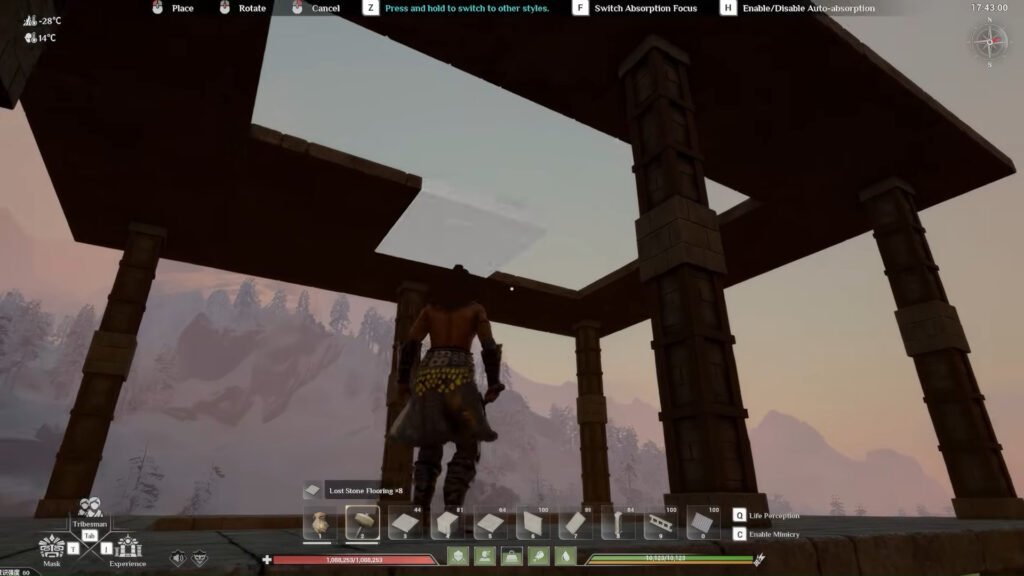
Running out of items is a problem almost everyone has faced at some point. This mod aims to fix this problem. We call this a mod since it is technically available and listed as one. However, it is essentially an engine that runs alongside the game.
Once active, it will ensure that the items in your inventory do not decrease in number, even if you consume them. You have to download an additional table alongside this mod, and fire it up while the game is running. Attach the table to the game, and you are ready to use this Soulmask mod.
Soulmask Calculator
Since crafting and managing resources is a huge part of the game, you will probably face some issues in trying to remember the amount of each resource you need. Fortunately, this mod will come to your rescue in the form of a calculator.
Just like the previous one, this also opens up a window separate from the game itself, letting you easily manage all the resources you will need in one place. The download process is also quite simple.
There will be two zip files for this game’s download, along with a .json file. Download them all in one place and extract the zip file. This will give you the .exe file for the calculator that can be activated with the click of a button.
No-Intro

If you are tired of all the intro and startup videos in Soulmask, then fear no longer. This mod has come to your rescue by allowing you to skip through these segments. This is mainly a quality-of-life mod, which doesn’t really add anything else to the game.
These were the five best Soulmask mods that are available right now. If you are looking for something else, you should wait for a bit, as some creator might be making the very mod you need right now!
