
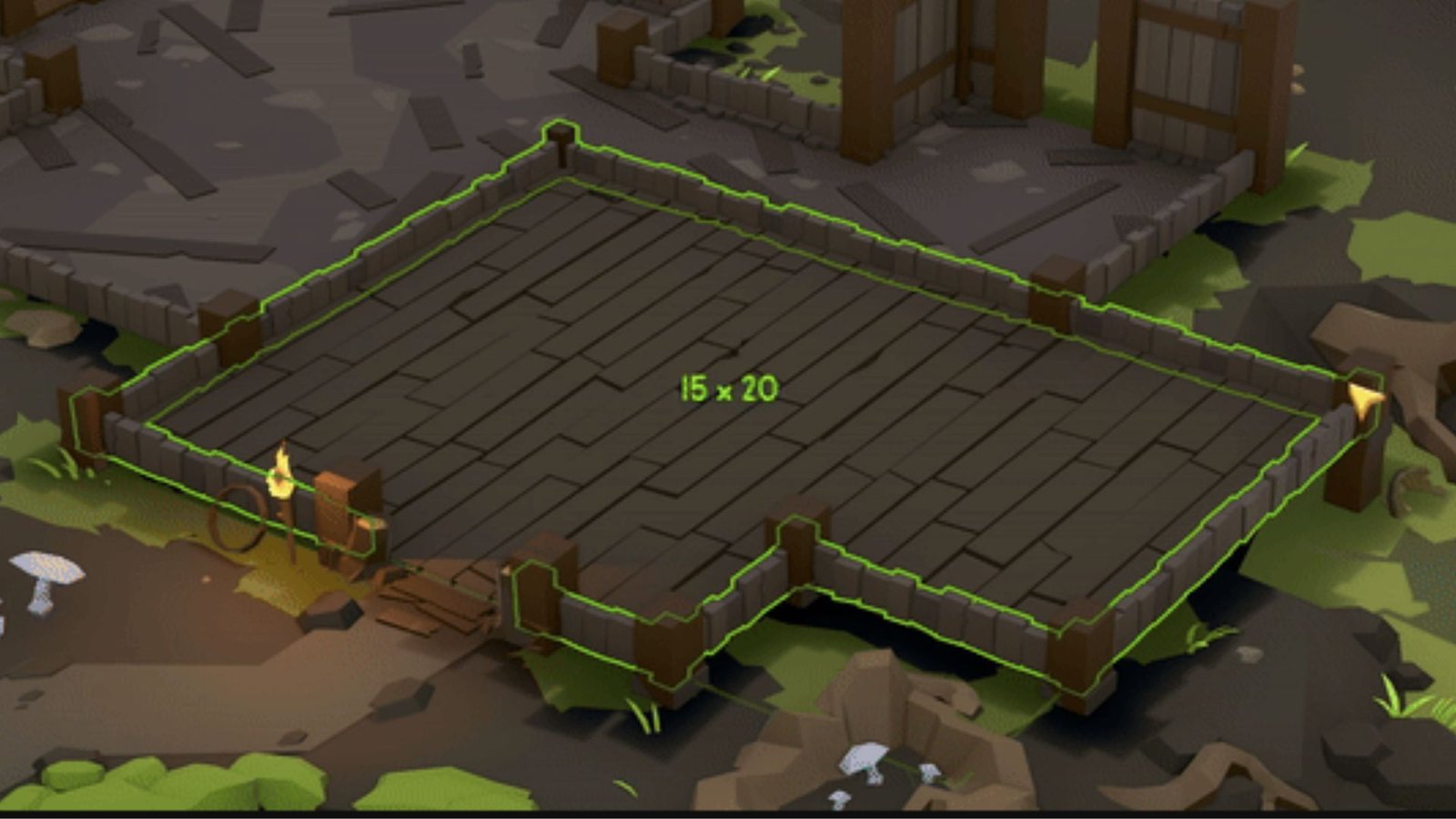
Snapshot
- Use the build menu to modify rooms in Tavern Keeper.
- You can convert a portion of any existing room back to a hallway.
- You can also bifurcate existing large rooms by placing walls in the room.
Every room in Tavern Keeper serves a different purpose. As you progress through your campaign, you might feel the need to do some structural rehauling to increase the efficiency of your tavern. Or you might simply want to add or remove parts of an existing room. This guide details the steps you can take to redesign your tavern.
How to Modify Rooms in Tavern Keeper
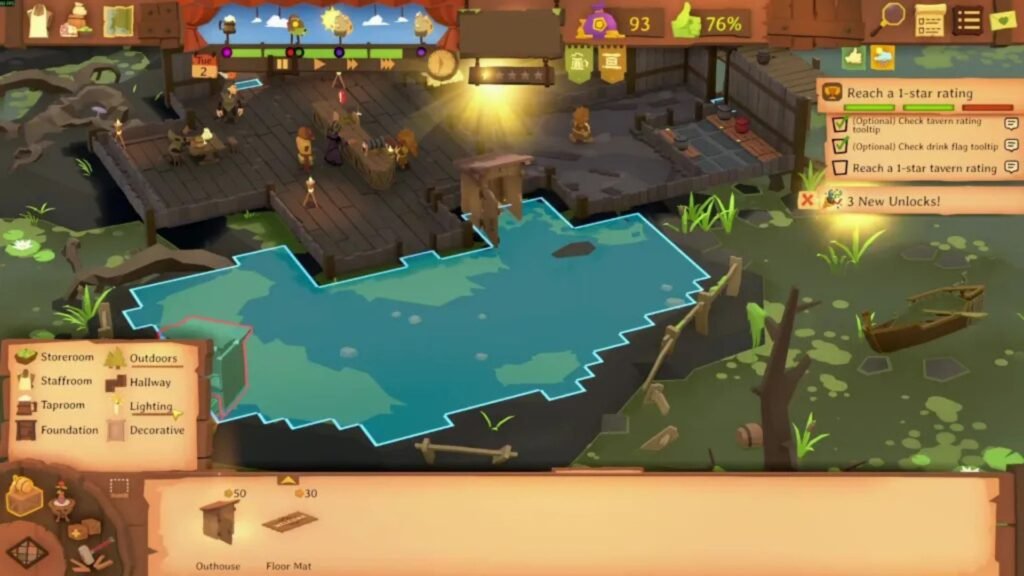
You can follow these steps to modify your existing rooms in Tavern Keeper:
- Open the Build Menu.
- Select the Room Tool.
- Select the Room you wish to modify.
- Draw an Outline over the part of the room you wish to eliminate.
- Designate this highlighted portion as ‘Empty Zone’.
- You will now have a shorter room and additional Hallway space.
Alternatively, you can also resize your existing rooms by following these steps:
- Open the Build Menu.
- Select the Room Tool.
- Select the Room you wish to modify.
- Draw an Outline over the part of the room you wish to keep.
- Designate this highlighted portion as the same room type (i.e., Kitchen, Bedroom, Staffroom, etc.)
- The portion left unselected will be turned back into an Empty Zone or Hallway.
- Your room will now be modified to fit the size of your choosing.
After you take these steps, you will now have a modified room, as well as a patch of unused floor space, which your patrons and employees will use as Hallways. If you wish, you can select and turn the newly acquired Hallways into a new, different type of room, such as a Kitchen, Staffroom, or a separate Bedroom.
FAQs
How to avoid merging rooms in Tavern Keeper?
If you try adding the same type of room beside an existing one (for example, if you try to create a new bedroom beside an existing bedroom), the game will automatically merge them. To avoid this, just go to the build menu and add extra walls to separate the two rooms. Place these extra walls in the middle, and you will have two different rooms of the same type.
What are the benefits of modifying the rooms?
Once you start progressing in the game, you might feel the need to change your initial build design. Modifying your rooms isn’t solely about the design elements and aesthetics. It can help you increase the efficiency of your tavern once you identify certain logjams and bottlenecks in structural planning. Restructuring rooms and making new empty zones can also potentially help you in managing fire risks.
How can I optimize the efficiency of my tavern through design?
It’s always best to keep several clean hallways (empty rooms) throughout your tavern to maintain a faster movement time for both your employees and patrons. Also, it’s beneficial to keep extra toilets near high-traffic areas. Make sure that you keep your Staffrooms and Bedrooms far away from noisy spaces like Kitchens and Taprooms so your patrons and employees can have peaceful rest.
Can I reset my entire Tavern and start again?
No. The only way to do this is by completely resetting your entire in-game progress. You can read our guide to find out how you can reset your progress. Alternatively, you can make the changes in your Tavern using the steps mentioned above and use these learning when you move on to your next tavern, so that you can start your journey there with a strong footing.
