
Snapshot
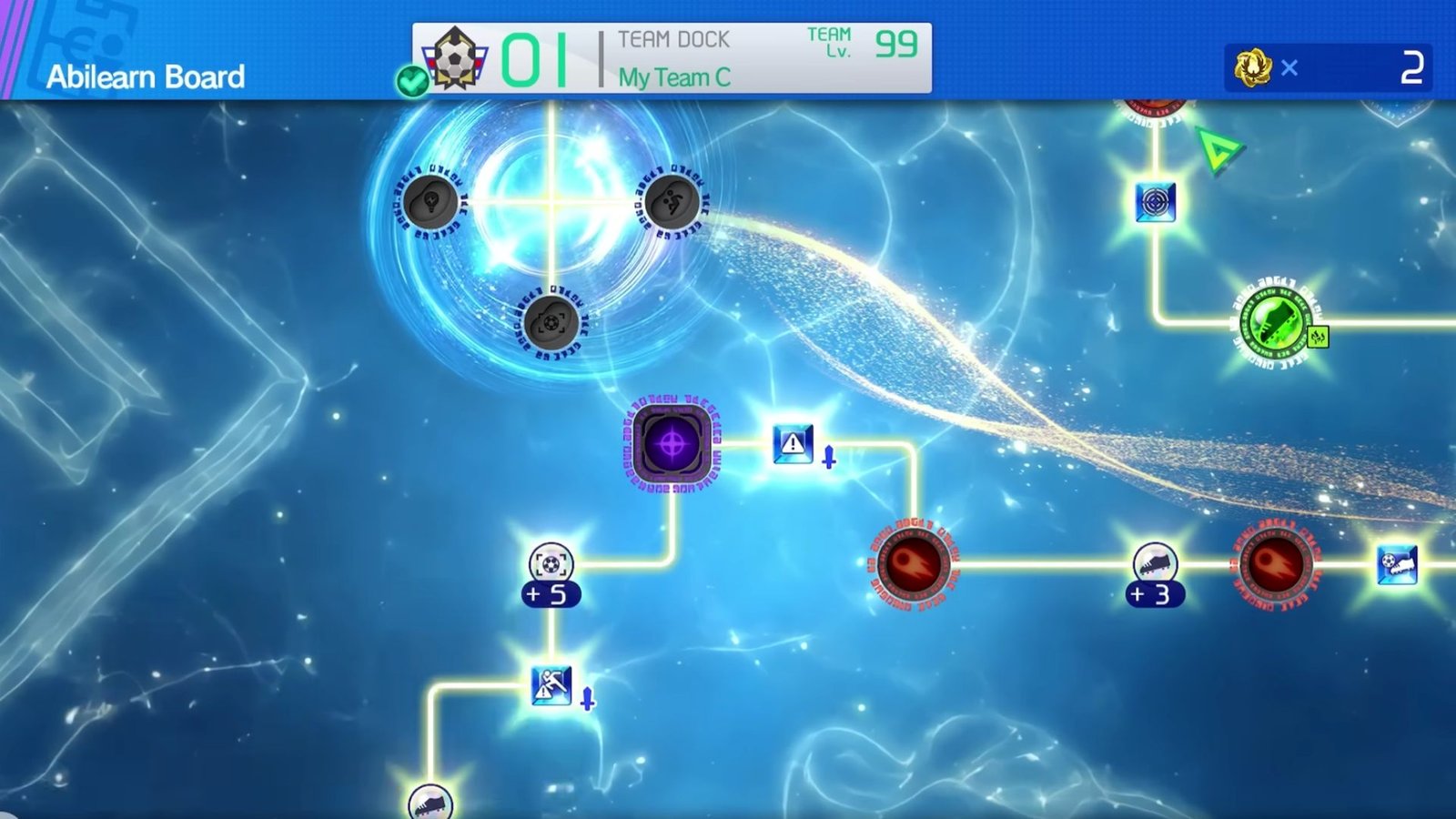
- Abilearn Board lets you customize your players, transfer their special skills, and enhance their attributes.
- You can reset your Abilearn Board to completely revamp a player’s build.
- You can unlock a new path with several empty slots when a player crosses level 50.
The Abilearn Board in Inazuma Eleven: Victory Road is used to make your player builds stronger. It’s a deep dive in-game mechanism that can elevate your gameplay and have you vanquishing stronger enemies in no time. As always, a bit of strategy and customization can help you go a long way.
Abilearn Board Guide for Inazuma Eleven: Victory Road
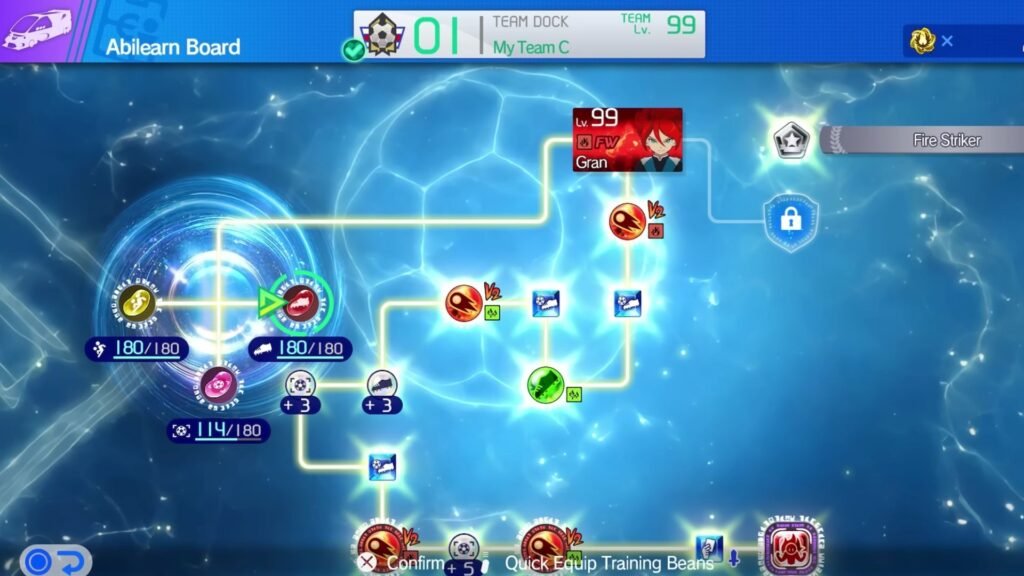
Your journey towards building a perfect Abilearn Board is going to be a long and arduous one. You can do plenty of things with each player’s Abilearn Board, such as:
1. Enhance your player stats with Training Beans
Training Beans are the essential building blocks of your Abilearn Boards. These Beans are used to increase the overall stats of your individual players. There are a total of six types of unique Training Beans, with each correlating to a specific player stat. Read our guide on using Training Beans to know how to use them perfectly.
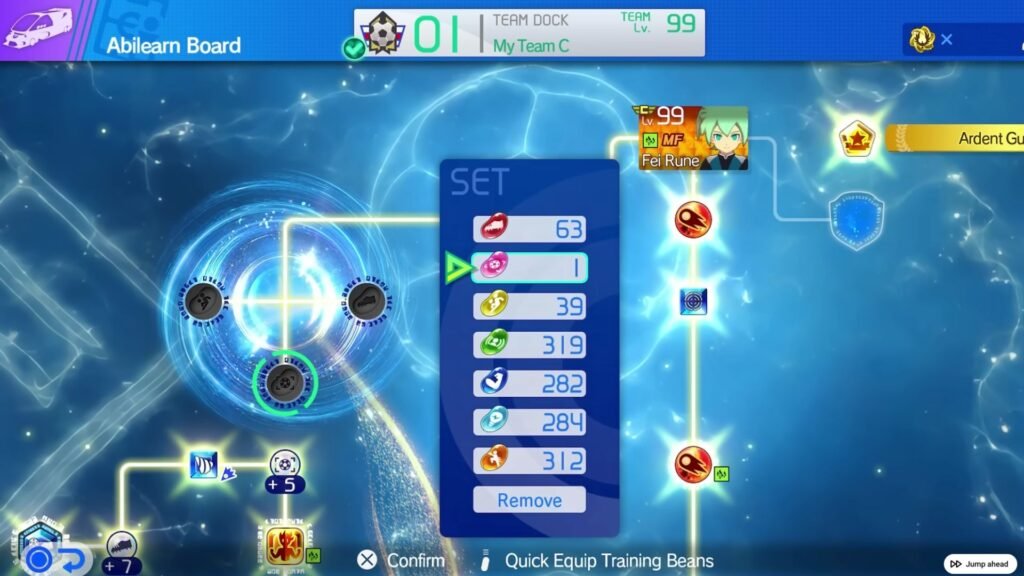
Keep the following tips in mind while dealing with Training Beans:
- It’s always best to offer the highest number of beans to your Star Players first, rather than distributing them thinly across all of your players.
- Only use the Training Beans that will match the players’ roles. For instance, use the Kick Strength bean for a Tackler, and the Toughness bean for a Goalkeeper. A detailed table can be found in our Training Beans guide.
- It’s always best to equip 180 of the recommended beans to each player. The game will advise you on which beans to apply to every player. Accept the game’s suggestions and equip the beans it advises you. Every player will have three sets of Beans that can be applied.
2. Equip and Evolve your player’s Special Moves
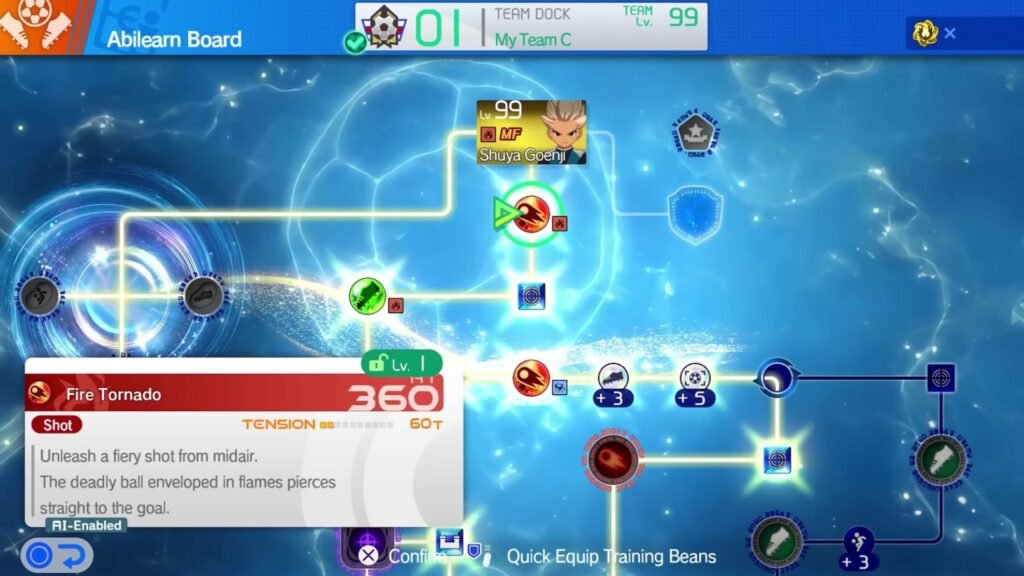
Abilearn Board lets you add and subsequently evolve some powerful moves that your players can use to turn the tide of any match in their favour. Known as ‘Hissatsu Techniques,’ these special moves can be placed in empty slots on any player’s board. You can also replace a Special Move that’s already fixed on the player’s board to change the overall build.
Keep the following tips in mind while dealing with Special Moves:
- New Special Moves can be unlocked by purchasing them through Chronicle Mode, VS Stores, or the Special Training Booth. As you progress in the Main Story, you will unlock more and more special moves.
- You can use any empty slot on your player’s Abilearn Board to equip a Special Move. Simply place the purchased scroll of the Special Skill in an Empty Slot, and it will be ready for use.
- You can evolve every special move to V2 or V3 to increase the effectiveness of the move. To achieve this, you will need to acquire multiple scrolls for the same move and stack them on top of the existing move slot. Placing two scrolls will result in a V2 move, and placing three scrolls will get you a V3 (most powerful) special move.
- Purchase and use the New Possibilities item to change the equipped Special Move from any player’s Abilearn Board.
3. Manage Special Player Roles
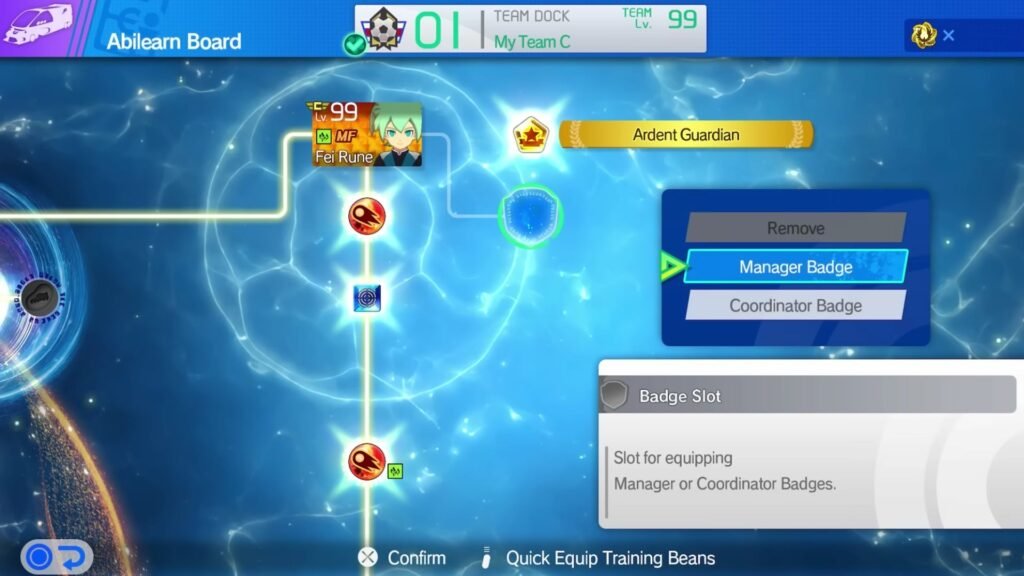
Apart from your team lineup, Inazuma Eleven: Victory Road also lets you shuffle up the team Manager or Coordinator roles. Furthermore, you can also use the Abilearn Board to switch Keshin Armour players between their regular and armoured forms.
Keep the following tips in mind while managing the Special Player Roles:
- Special Player Roles can be assigned by placing a Manager/ Coordinator Badge on the player.
- Once you equip a Badge on a specific player, they will sit on the bench and offer a Bonus to the entire team. This can result in better item drops or enhanced passing between team members.
- Beware that a player cannot play in the match if equipped with a Manager/ Coordinator Badge.
- Do not repeatedly equip and/ or unequip the Manager/ Coordinator Badge, as it can trigger a bug. If triggered, this bug will empty all of your Manager/ Coordinator’s special moves, and you won’t be able to get them back.
4. Equip Endgame Bonus Passives
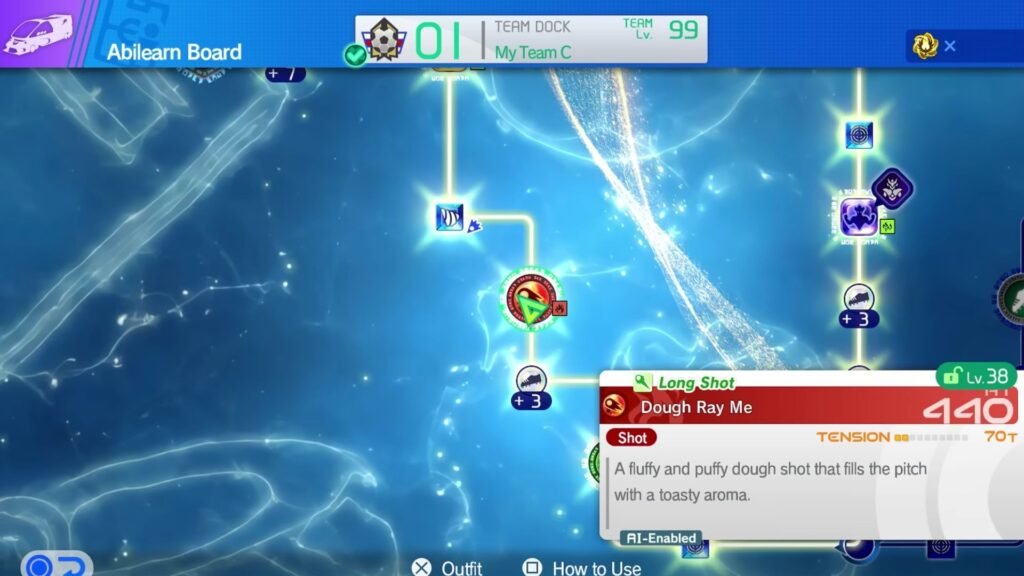
Once you near the endgame, you can unlock new and more powerful bonus passives for your players. Once your player crosses Level 50, they unlock a new path in the Abilearn Board that features brand-new empty slots. These empty slots can be used to equip new passives for your players.
Keep the following tips in mind while dealing with the Endgame bonus passives:
- Endgame passives offer a small percentage boost on top of the existing passive slots.
- These bonuses are extremely important for maxing out your players.
- You will be able to acquire new endgame passive bonuses by playing Free Matches on higher difficulties.
- Endgame Bonus Passives cannot be purchased. They can only be earned by playing free matches.
FAQs
How can I swap skills or techniques from my existing Player build?
To swap techniques or skills from a Player to alter their existing build, you need a special item called ‘New Possibilities.’ This item will be available for purchase in the second chapter of the Story Mode. This item costs five Zeal and Gratitude tokens. Please read our guide on farming Zeal and Gratitude to quickly gain massive amounts of these rare tokens.
Can I turn my Manager into a playable team member?
Yes. You need to play 10 extra matches, i.e., optional matches that aren’t required for Story Mode progression, to shift your Team Manager into Team Member. Once you finish playing these extra matches, just open the Manager’s Abilearn Board and choose the ‘Select as Player’ option.
Can I switch Techniques or Passives during a match?
No. Abilearn Board is essentially a Skilltree. You cannot access it once a match starts. So, we recommend that you glean the Team’s (at least your major players’) Abilearn Boards right before starting a new match.
Can I reset the training path of my players through the Abilearn Board?
Yes. You don’t need to discard and reintegrate a player to have a fresh start. You can simply reset your previous training path and build a fresh one. You can also rotate all nodes or intersections of the Abilearn Board to pick one custom path from all the possibilities.
What is the best way to farm passives?
Playing Hero Battles in Chronicle Mode and Free Matches in Competition Mode are the best ways to farm Passives in Inazuma Eleven: Victory Road (besides, of course, purchasing them through Special Training Booths). We recommend that you focus on playing matches that have a chance of dropping Legendary Crates, as they may contain some of the rarest Passives.
